scale(1.3637)'%3E%3Cg clip-path='url(%23cb)'%3E%3Crect x='0' y='0' width='1024' height='1024' fill='url(%23pg)'%3E%3C/rect%3E%3Cg clip-path='url(%23cf)'%3E%3Crect x='0' y='0' width='1024' height='1024' fill='url(%23fg)'%3E%3C/rect%3E%3C/g%3E%3C/g%3E%3C/g%3E%3C/svg%3E)
Every paper deserves a calm read
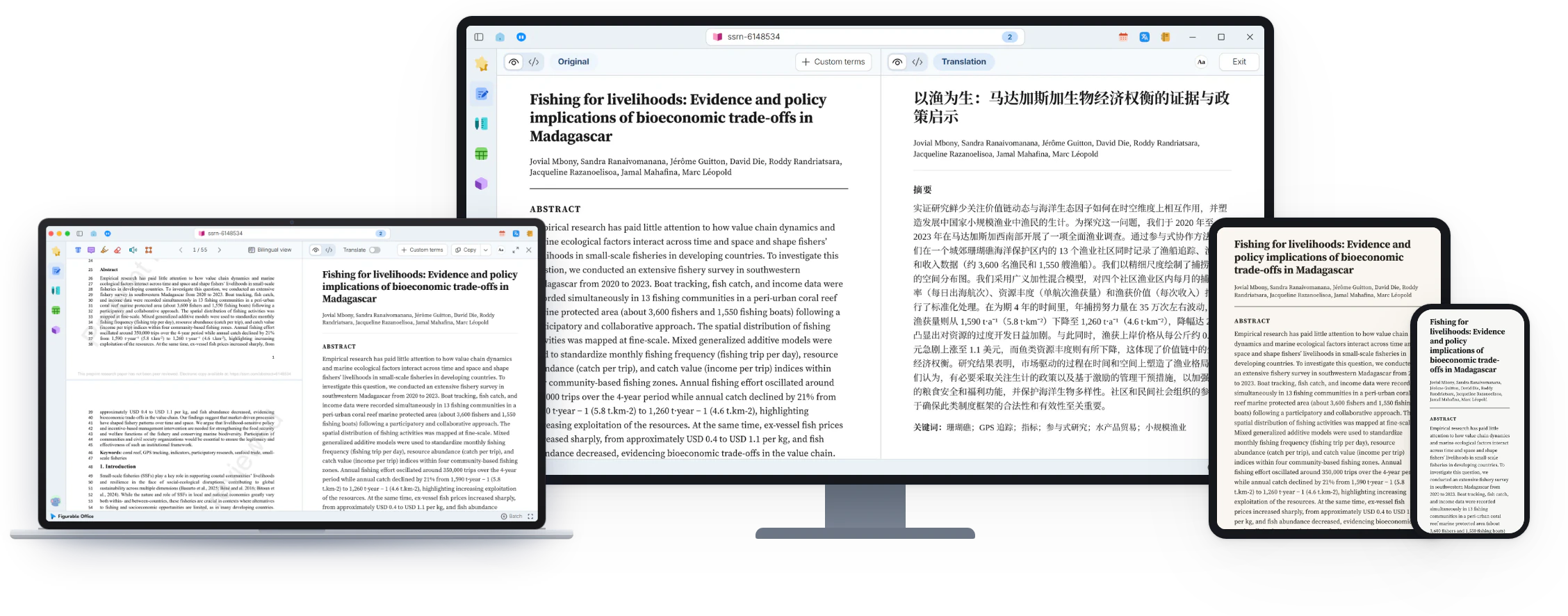
Figurable Office takes care of layout and translation, so your attention stays on the ideas.Layout and translation handled, so you can focus on ideas.
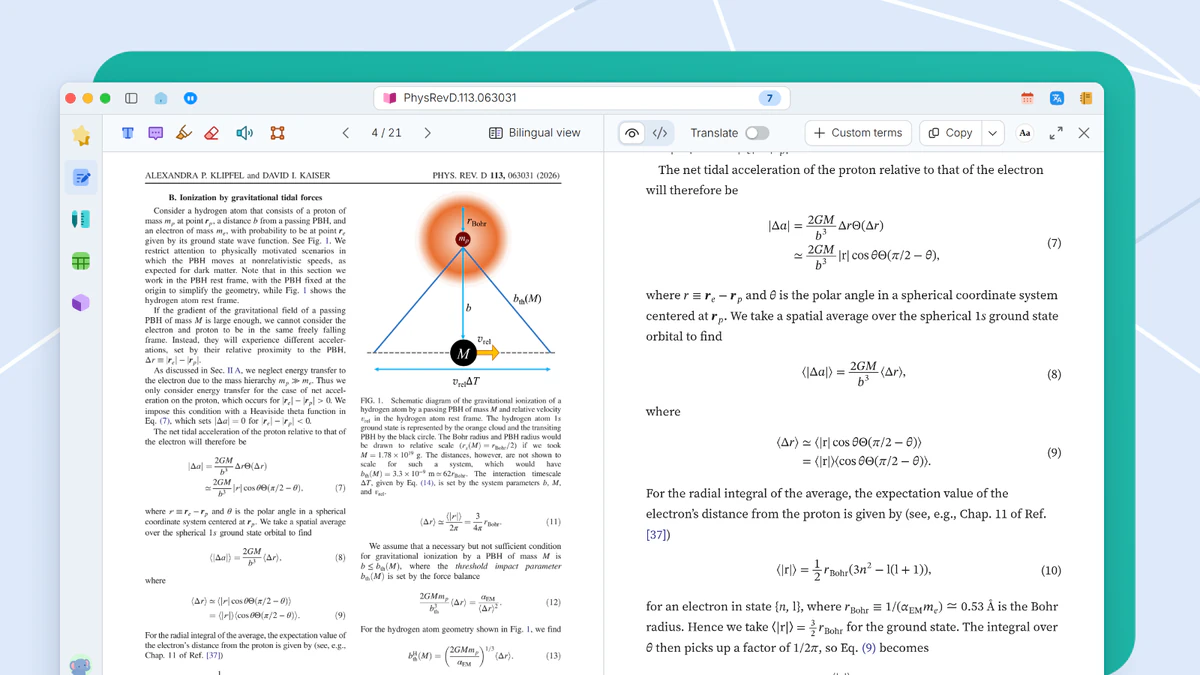
From a PDF to an editable document
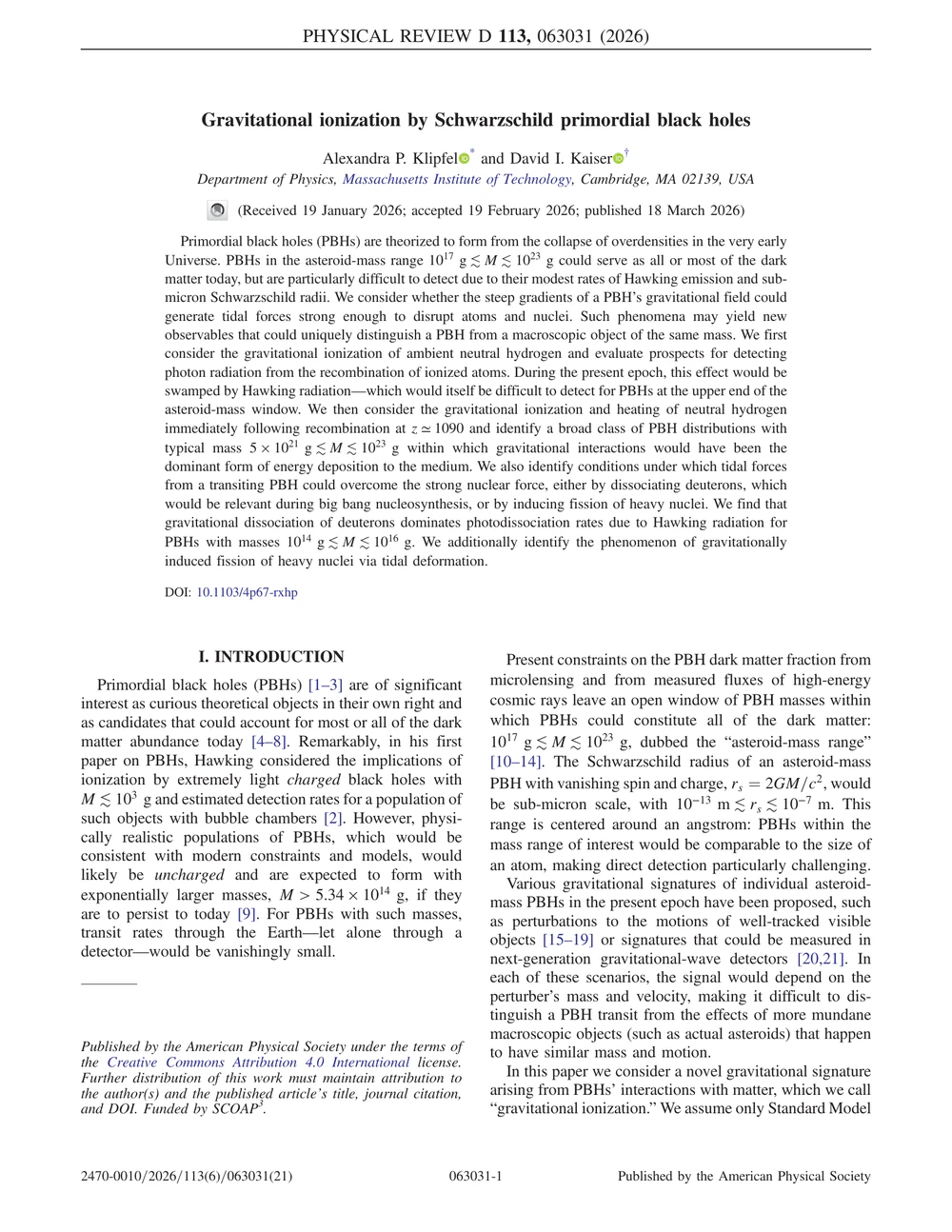
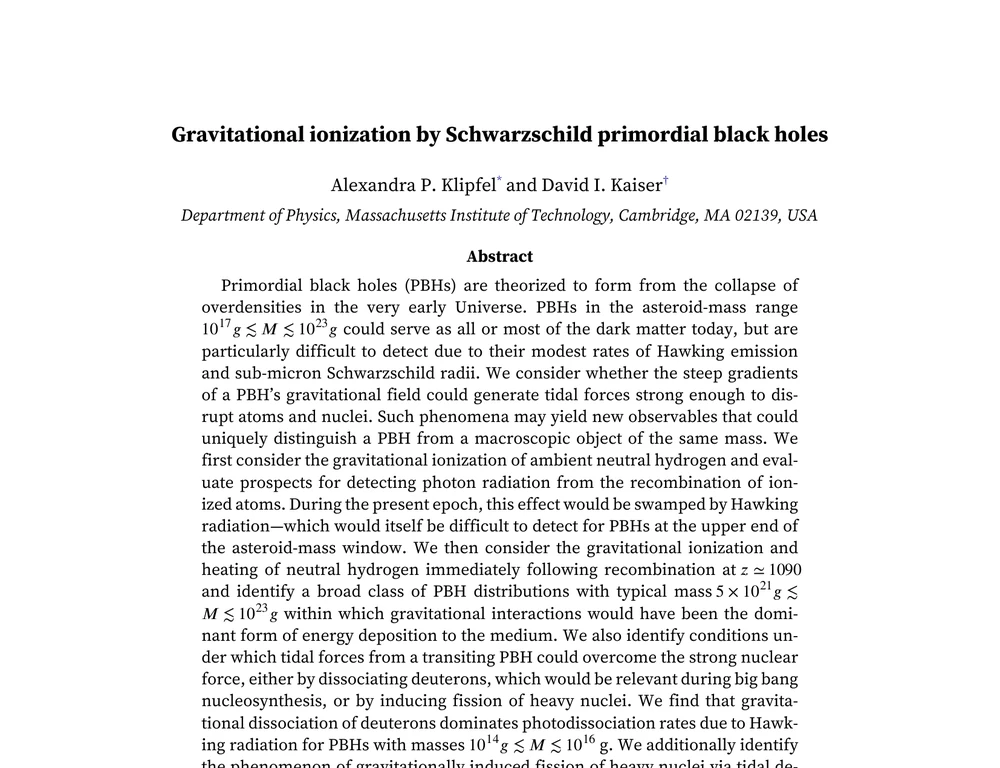
Title, authors, abstract, equations, figures, tables and references are parsed one by one and reflowed for reading. Export the original and the translation.Each element parsed and reflowed, with the original and translation both exportable.
Input PDF
Original and translation
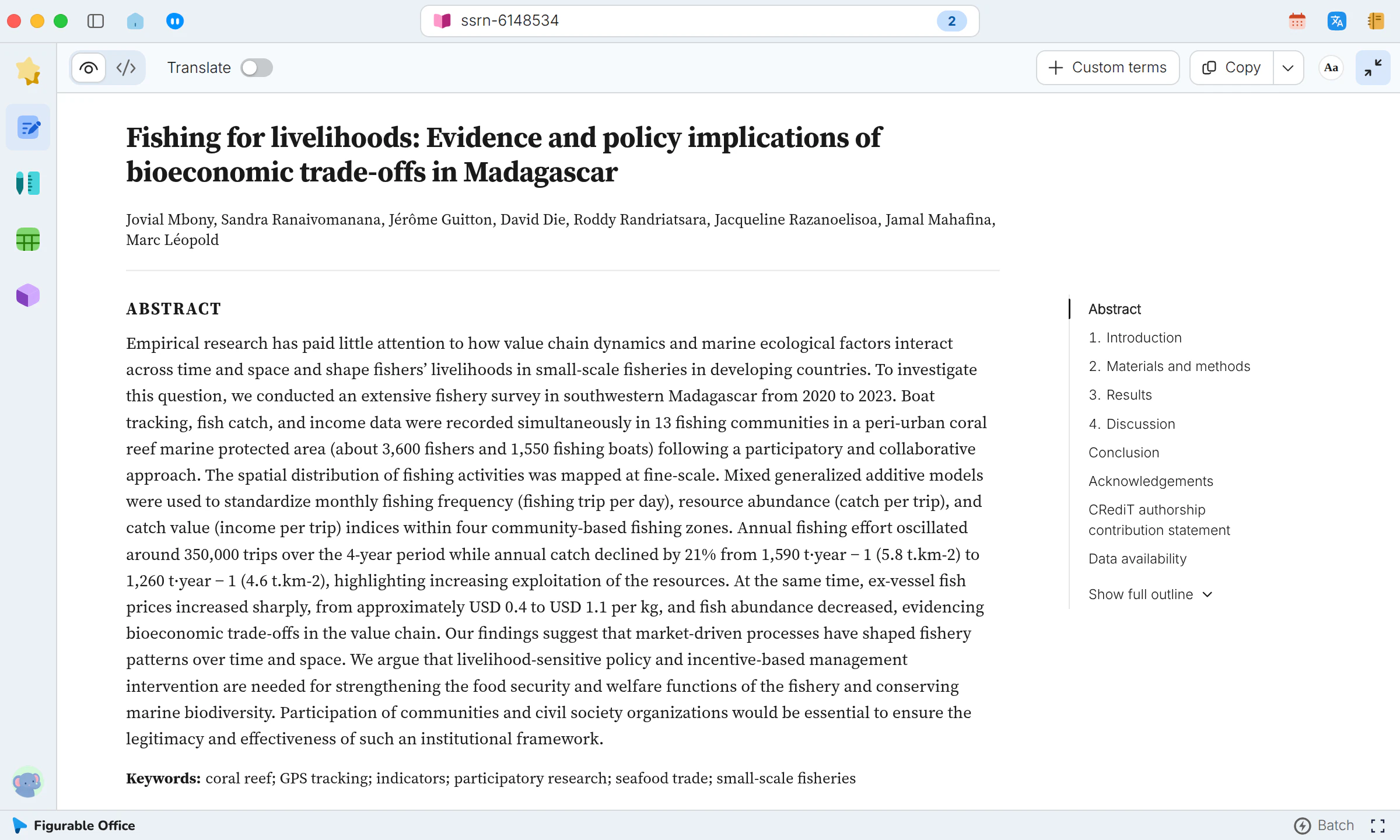
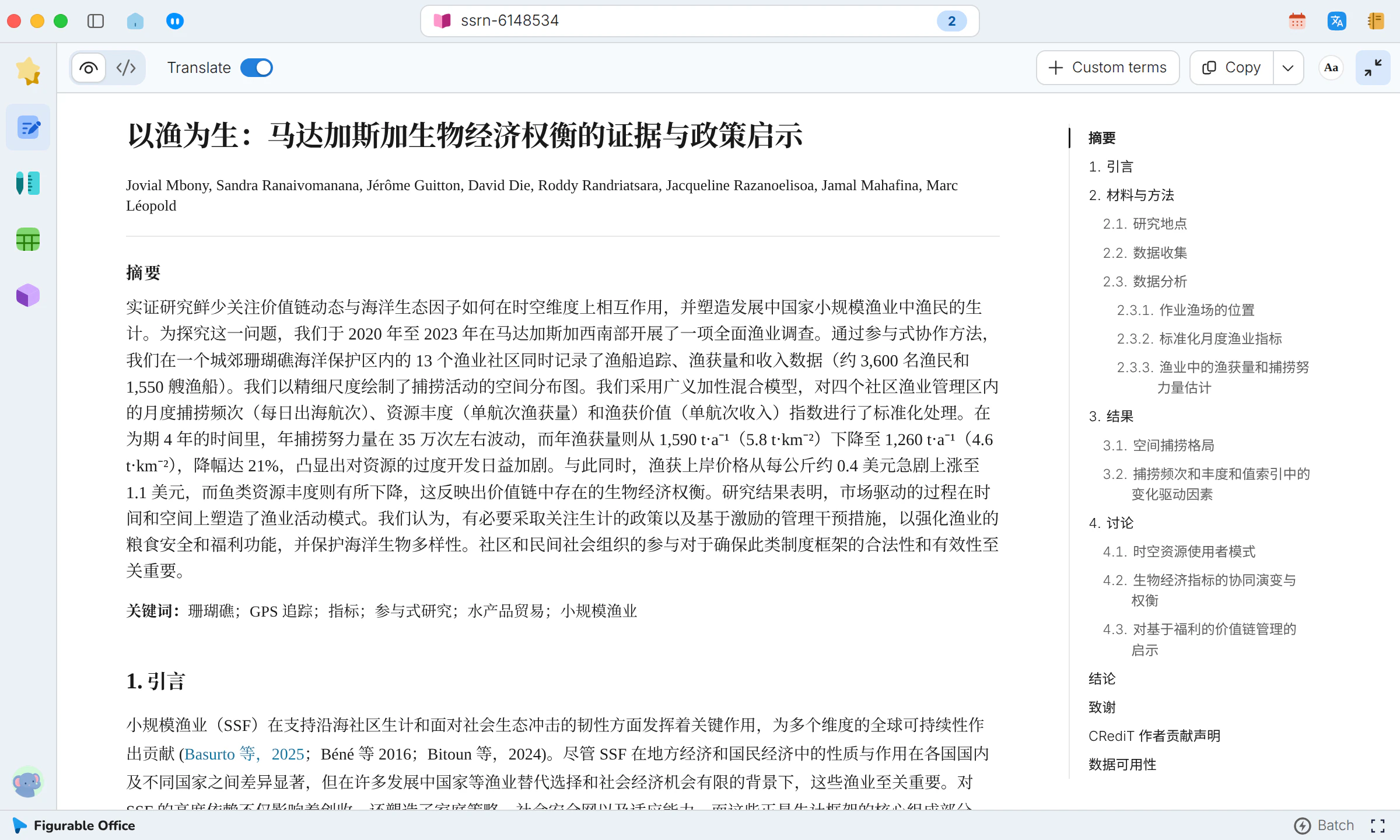
1# Gravitational ionization by Schwarzschild primordial black holes2 3**Authors:** Alexandra P. Klipfel, David I. Kaiser4 5## Abstract6 7Primordial black holes (PBHs) are theorized to form from the collapse of overdensities in the very early Universe. PBHs in the asteroid-mass range $10^{17} g \lesssim M \lesssim 10^{23} g$ could serve as all or most of the dark matter today, but are particularly difficult to detect due to their modest rates of Hawking emission and sub-micron Schwarzschild radii. We consider whether the steep gradients of a PBH’s gravitational field could generate tidal forces strong enough to disrupt atoms and nuclei. Such phenomena may yield new observables that could uniquely distinguish a PBH from a macroscopic object of the same mass. We first consider the gravitational ionization of ambient neutral hydrogen and evaluate prospects for detecting photon radiation from the recombination of ionized atoms. During the present epoch, this effect would be swamped by Hawking radiation—which would itself be difficult to detect for PBHs at the upper end of the asteroid-mass window. We then consider the gravitational ionization and heating of neutral hydrogen immediately following recombination at $z \simeq 1090$ and identify a broad class of PBH distributions with typical mass $5 \times 10^{21} g \lesssim M \lesssim 10^{23} g$ within which gravitational interactions would have been the dominant form of energy deposition to the medium. We also identify conditions under which tidal forces from a transiting PBH could overcome the strong nuclear force, either by dissociating deuterons, which would be relevant during big bang nucleosynthesis, or by inducing fission of heavy nuclei. We find that gravitational dissociation of deuterons dominates photodissociation rates due to Hawking radiation for PBHs with masses $10^{14} g \lesssim M \lesssim 10^{16}$ g. We additionally identify the phenomenon of gravitationally induced fission of heavy nuclei via tidal deformation.1# 史瓦西原初黑洞的引力电离2 3**Authors:** Alexandra P. Klipfel, David I. Kaiser4 5## 摘要6 7一般认为原初黑洞(PBH)是在极早期宇宙中由过密区坍缩形成的。在小行星质量范围内的 PBH $10^{17} g \lesssim M \lesssim 10^{23} g$ 可能构成当今暗物质的全部或大部分,但由于其 Hawking 发射率较低且 Schwarzschild 半径小于微米,因此尤为难以探测。本文探讨 PBH 的引力场所产生的陡峭梯度是否能生成足以破坏原子和原子核的潮汐力。此类现象可能会产生新的可观测现象,从而能够独特地区分 PBH 与具有相同质量的宏观物体。首先考虑周围中性氢的引力电离,并评估探测电离原子复合过程中产生的光子辐射的前景。在当前时期,这种效应将被 Hawking 辐射所淹没,对于处于小行星质量范围上限的 PBH 而言,本身也难以探测。随后,考虑了在 $z \simeq 1090$ 处复合过程刚结束后中性氢所受到的引力电离及其加热效应,并确定一大类典型质量为 $5 \times 10^{21} g \lesssim M \lesssim 10^{23} g$ 的 PBH 分布,在这些分布中,引力相互作用应是介质中主要的能量沉积形式。还确定了这样一种条件:在此条件下,来自过境 PBH 的潮汐力能够克服强核力,其方式或是解离氘核(这在宇宙大爆炸核合成过程中具有相关性),或是引发重核裂变。可以发现,对于质量为 $10^{14} g \lesssim M \lesssim 10^{16}$ 克的 PBH,氘核的引力解离作用在速率上超过了由 Hawking 辐射引起的光解离作用。此外,还发现了通过潮汐形变导致重核发生引力诱发裂变的现象。63\begin{abstract}64Primordial black holes (PBHs) are theorized to form from the collapse of overdensities in the very early Universe. PBHs in the asteroid-mass range \(10^{17} g \lesssim M \lesssim 10^{23} g\) could serve as all or most of the dark matter today, but are particularly difficult to detect due to their modest rates of Hawking emission and sub-micron Schwarzschild radii. We consider whether the steep gradients of a PBH's gravitational field could generate tidal forces strong enough to disrupt atoms and nuclei. Such phenomena may yield new observables that could uniquely distinguish a PBH from a macroscopic object of the same mass. We first consider the gravitational ionization of ambient neutral hydrogen and evaluate prospects for detecting photon radiation from the recombination of ionized atoms. During the present epoch, this effect would be swamped by Hawking radiation---which would itself be difficult to detect for PBHs at the upper end of the asteroid-mass window. We then consider the gravitational ionization and heating of neutral hydrogen immediately following recombination at \(z \simeq 1090\) and identify a broad class of PBH distributions with typical mass \(5 \times 10^{21} g \lesssim M \lesssim 10^{23} g\) within which gravitational interactions would have been the dominant form of energy deposition to the medium. We also identify conditions under which tidal forces from a transiting PBH could overcome the strong nuclear force, either by dissociating deuterons, which would be relevant during big bang nucleosynthesis, or by inducing fission of heavy nuclei. We find that gravitational dissociation of deuterons dominates photodissociation rates due to Hawking radiation for PBHs with masses \(10^{14} g \lesssim M \lesssim 10^{16}\) g. We additionally identify the phenomenon of gravitationally induced fission of heavy nuclei via tidal deformation.65\end{abstract}66 67\input{sections/01-introduction}68 69\input{sections/02-gravitational-ionization}75\begin{abstract}76一般认为原初黑洞(PBH)是在极早期宇宙中由过密区坍缩形成的。在小行星质量范围内的 PBH \(10^{17} g \lesssim M \lesssim 10^{23} g\) 可能构成当今暗物质的全部或大部分,但由于其 Hawking 发射率较低且 Schwarzschild 半径小于微米,因此尤为难以探测。本文探讨 PBH 的引力场所产生的陡峭梯度是否能生成足以破坏原子和原子核的潮汐力。此类现象可能会产生新的可观测现象,从而能够独特地区分 PBH 与具有相同质量的宏观物体。首先考虑周围中性氢的引力电离,并评估探测电离原子复合过程中产生的光子辐射的前景。在当前时期,这种效应将被 Hawking 辐射所淹没,对于处于小行星质量范围上限的 PBH 而言,本身也难以探测。随后,考虑了在 \(z \simeq 1090\) 处复合过程刚结束后中性氢所受到的引力电离及其加热效应,并确定一大类典型质量为 \(5 \times 10^{21} g \lesssim M \lesssim 10^{23} g\) 的 PBH 分布,在这些分布中,引力相互作用应是介质中主要的能量沉积形式。还确定了这样一种条件:在此条件下,来自过境 PBH 的潮汐力能够克服强核力,其方式或是解离氘核(这在宇宙大爆炸核合成过程中具有相关性),或是引发重核裂变。可以发现,对于质量为 \(10^{14} g \lesssim M \lesssim 10^{16}\) 克的 PBH,氘核的引力解离作用在速率上超过了由 Hawking 辐射引起的光解离作用。此外,还发现了通过潮汐形变导致重核发生引力诱发裂变的现象。77\end{abstract}78 79\input{sections/01-introduction}80 81\input{sections/02-gravitational-ionization}
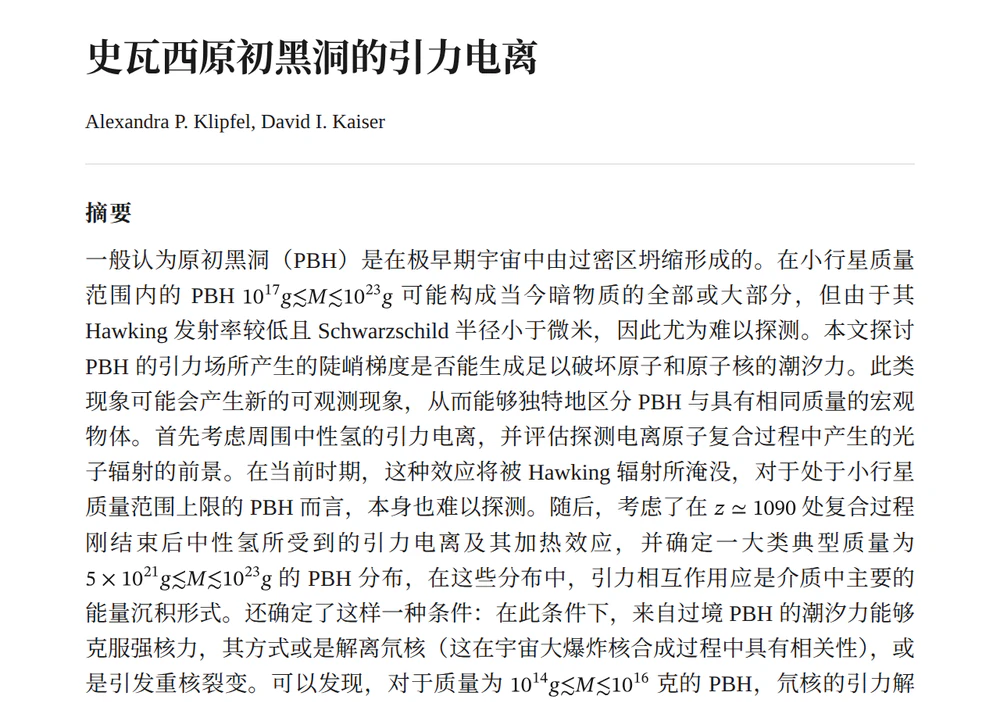
1 Gravitational ionization by Schwarzschild primordial black holes2 3 4 Authors: Alexandra P. Klipfel, David I. Kaiser5 6Abstract7 8 Primordial black holes (PBHs) are theorized to form from the collapse9 of overdensities in the very early Universe. PBHs in the10 asteroid-mass range 10^(17) g lesssim M lesssim 10^(23) g could serve11 as all or most of the dark matter today, but are particularly12 difficult to detect due to their modest rates of Hawking emission and13 sub-micron Schwarzschild radii. We consider whether the steep14 gradients of a PBH’s gravitational field could generate tidal forces15 strong enough to disrupt atoms and nuclei. Such phenomena may yield16 new observables that could uniquely distinguish a PBH from a17 macroscopic object of the same mass. We first consider the18 gravitational ionization of ambient neutral hydrogen and evaluate19 prospects for detecting photon radiation from the recombination of20 ionized atoms. During the present epoch, this effect would be swamped21 by Hawking radiation—which would itself be difficult to detect for22 PBHs at the upper end of the asteroid-mass window. We then consider23 the gravitational ionization and heating of neutral hydrogen24 immediately following recombination at z ≃ 1090 and identify a broad25 class of PBH distributions with typical mass 5 × 10^(21) g lesssim M26 lesssim 10^(23) g within which gravitational interactions would have27 been the dominant form of energy deposition to the medium. We also1 史瓦西原初黑洞的引力电离2 3 4 作者:Alexandra P. Klipfel, David I. Kaiser5 61. 摘要7 8 一般认为原初黑洞(PBH)是在极早期宇宙中由过密区坍缩形成的。在小行星质9 量范围内的 PBH 10^(17) g lesssim M lesssim 10^(23) g 可能构成当今暗物10 质的全部或大部分,但由于其 Hawking 发射率较低且 Schwarzschild 半径小11 于微米,因此尤为难以探测。本文探讨 PBH 的引力场所产生的陡峭梯度是否能12 生成足以破坏原子和原子核的潮汐力。此类现象可能会产生新的可观测现象,13 从而能够独特地区分 PBH 与具有相同质量的宏观物体。首先考虑周围中性氢的14 引力电离,并评估探测电离原子复合过程中产生的光子辐射的前景。在当前时15 期,这种效应将被 Hawking 辐射所淹没,对于处于小行星质量范围上限的 PBH16 而言,本身也难以探测。随后,考虑了在 z ≃ 1090 处复合过程刚结束后中性17 氢所受到的引力电离及其加热效应,并确定一大类典型质量为 5 × 10^(21) g18 lesssim M lesssim 10^(23) g 的 PBH 分布,在这些分布中,引力相互作用应19 是介质中主要的能量沉积形式。还确定了这样一种条件:在此条件下,来自过20 境 PBH 的潮汐力能够克服强核力,其方式或是解离氘核(这在宇宙大爆炸核合21 成过程中具有相关性),或是引发重核裂变。可以发现,对于质量为 10^(14)22 g lesssim M lesssim 10^(16) 克的 PBH,氘核的引力解离作用在速率上超过23 了由 Hawking 辐射引起的光解离作用。此外,还发现了通过潮汐形变导致重核24 发生引力诱发裂变的现象。Export as
A structured document from every PDF
A proprietary engine parses every element.Every element, parsed.
- Reflowed in secondsTwo-column papers become one readable column
- Watermark and line-number filteringRunning heads and download notices stay out tooRunning heads stay out too
- Interactive readingTheorem, equation and figure references preview on hover
- Structured translationSymbols and numbering stay where they were
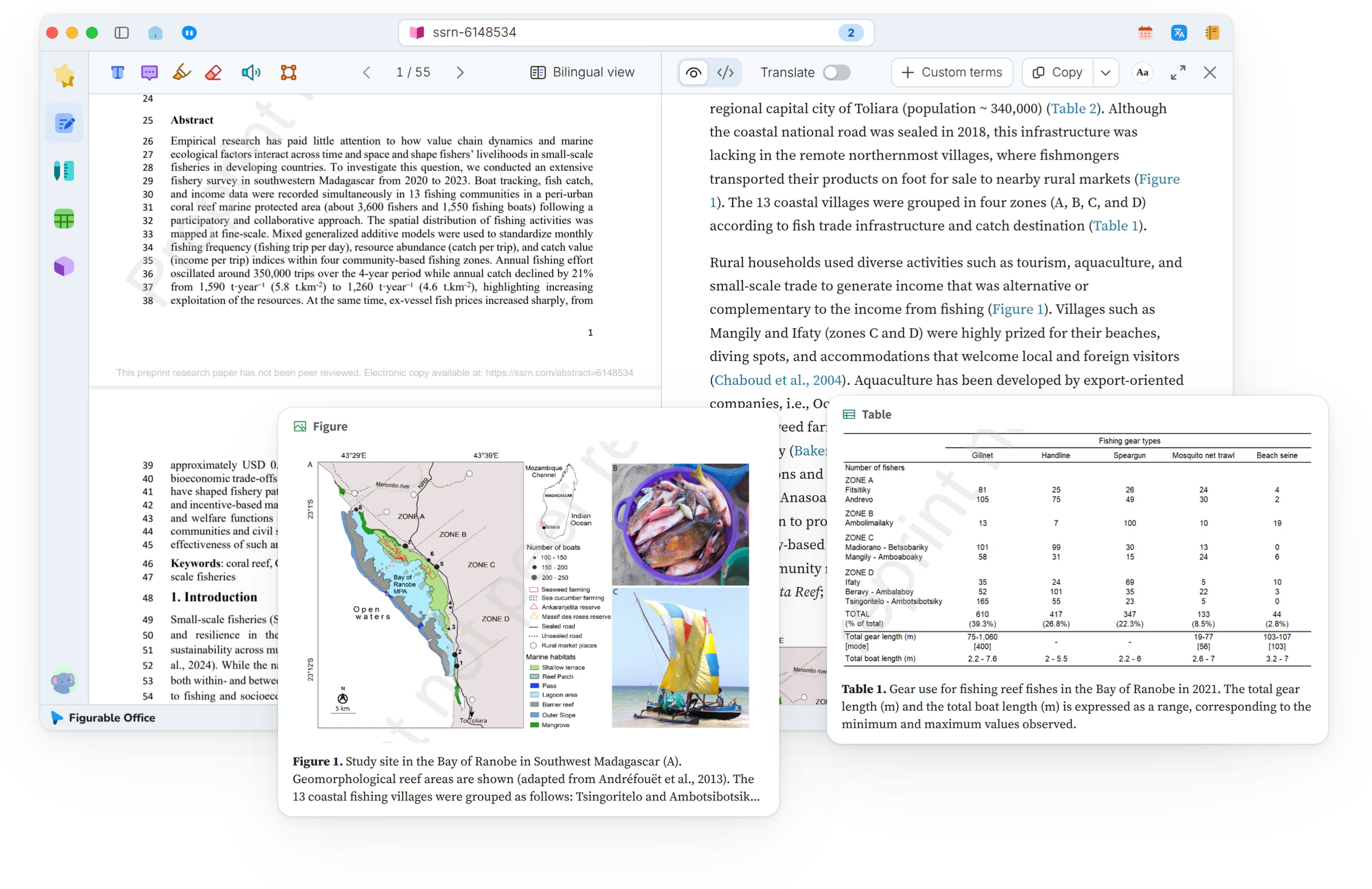
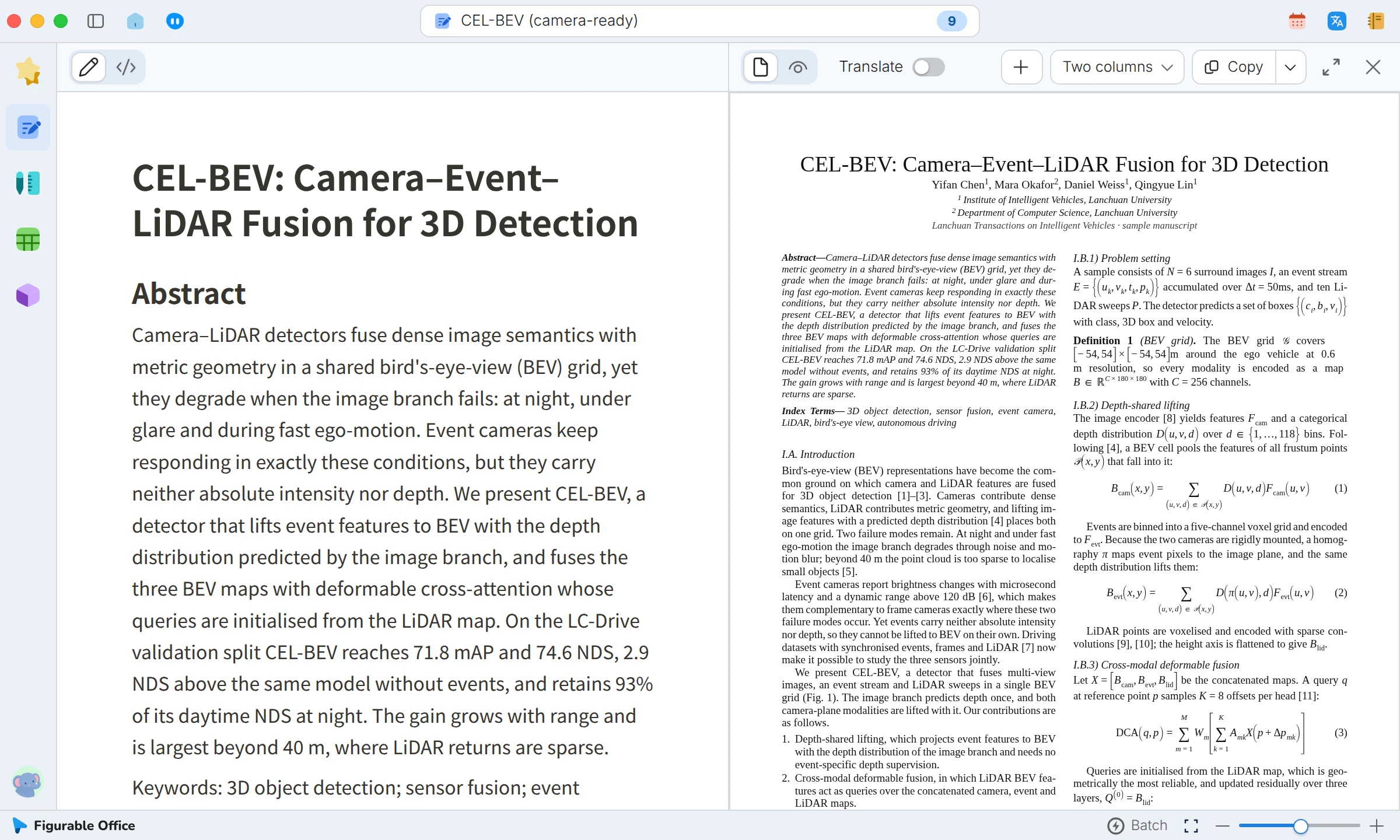
Equations, copied as LaTeX
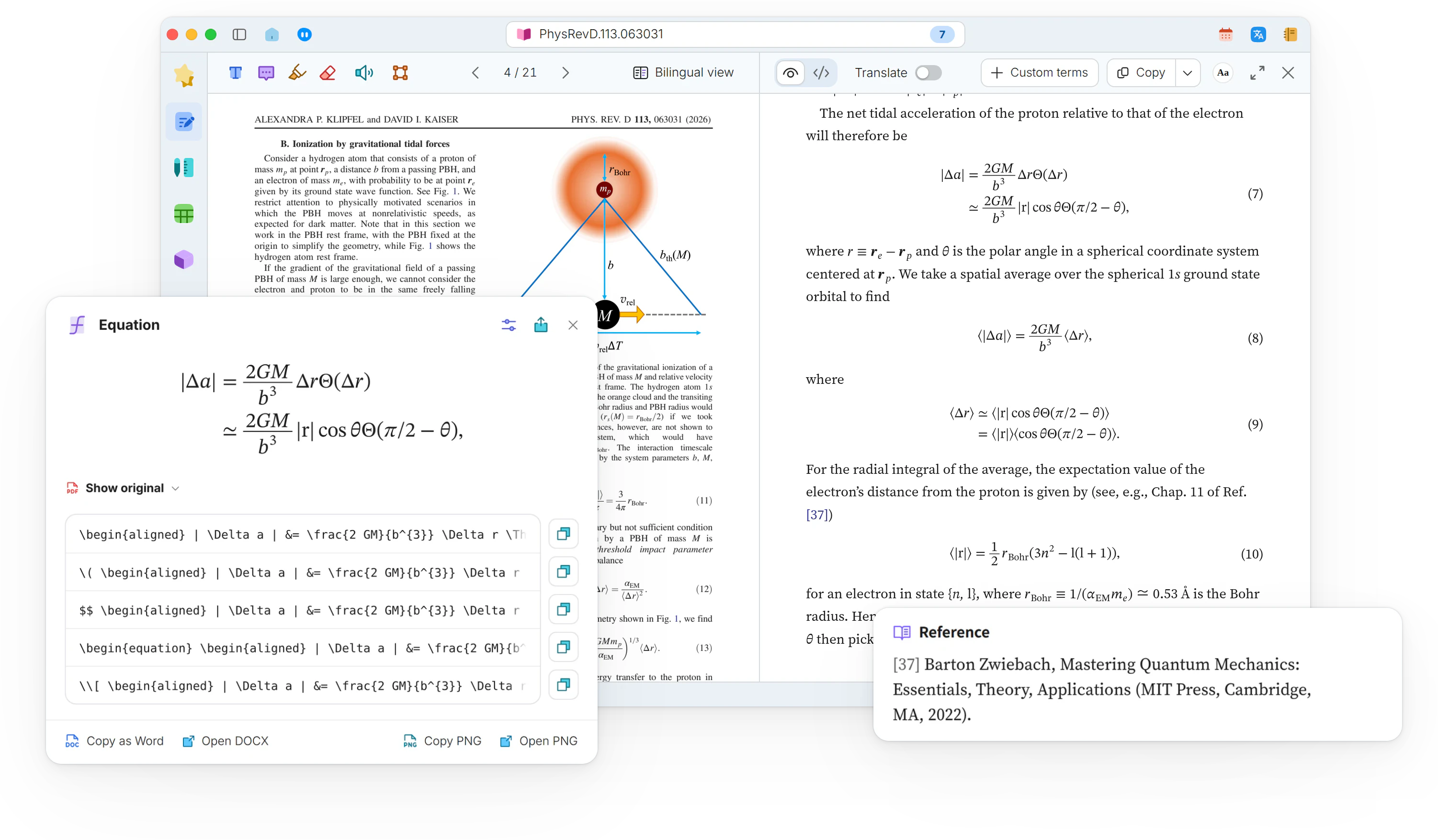
Reuse the equations of a paper in your own derivations and notes, without retyping them.Reuse equations without retyping them.
- LaTeX sourceInline, display and numbered forms
- Word equationsStill editable after pasting
- Full viewLong expressions unfold, small type stays clear
- PNG imagesReady for slides and posters
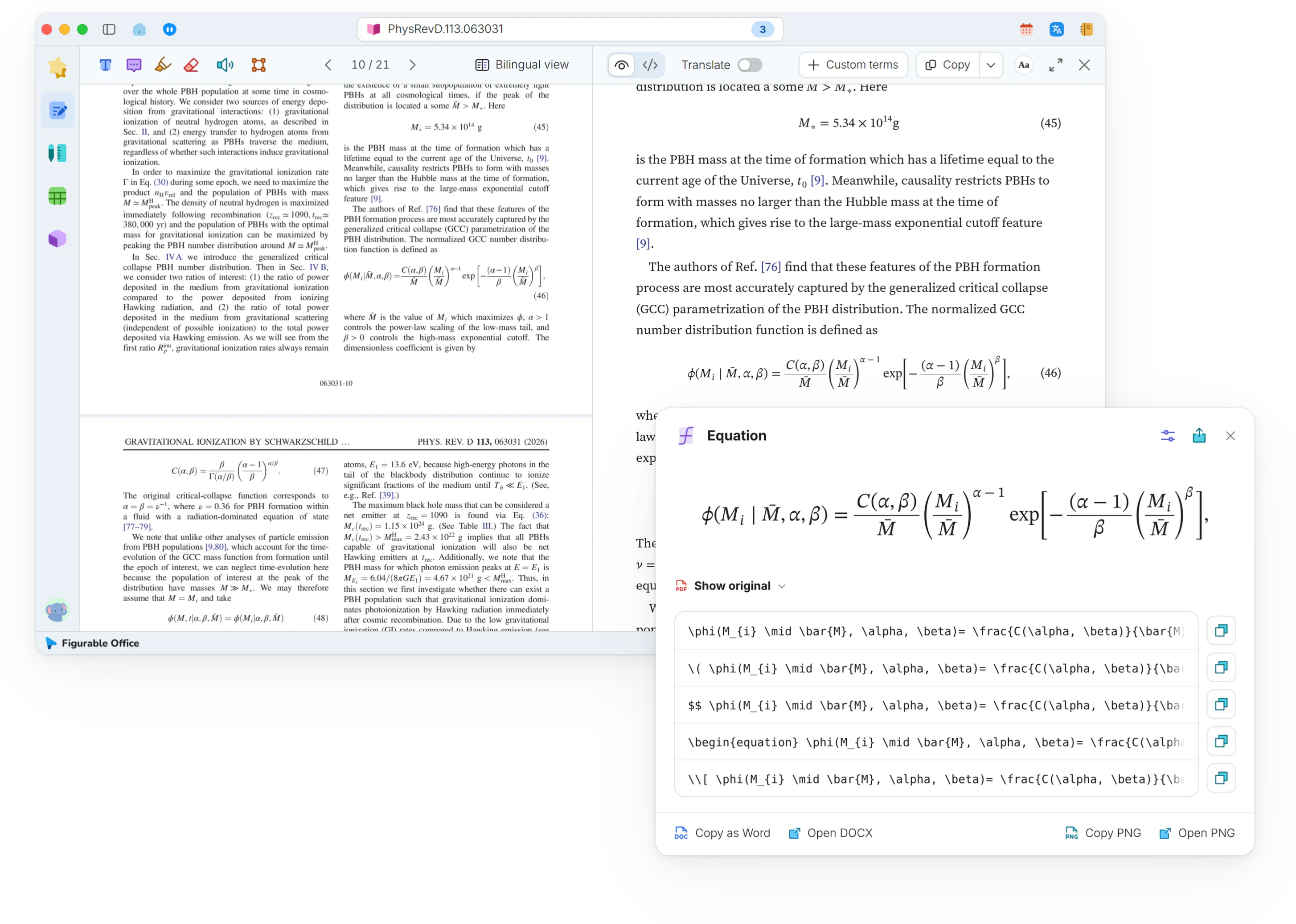
Annotations, written into the source
Review comments travel with the text, so every one is at hand while you revise.Review comments travel with the text.
- HighlightsMarked as {==…==}, where they sit in the PDF
- Footnoted commentsEach keeps its author, type and date
- Ready for AIOne Markdown file holds the text and the comments
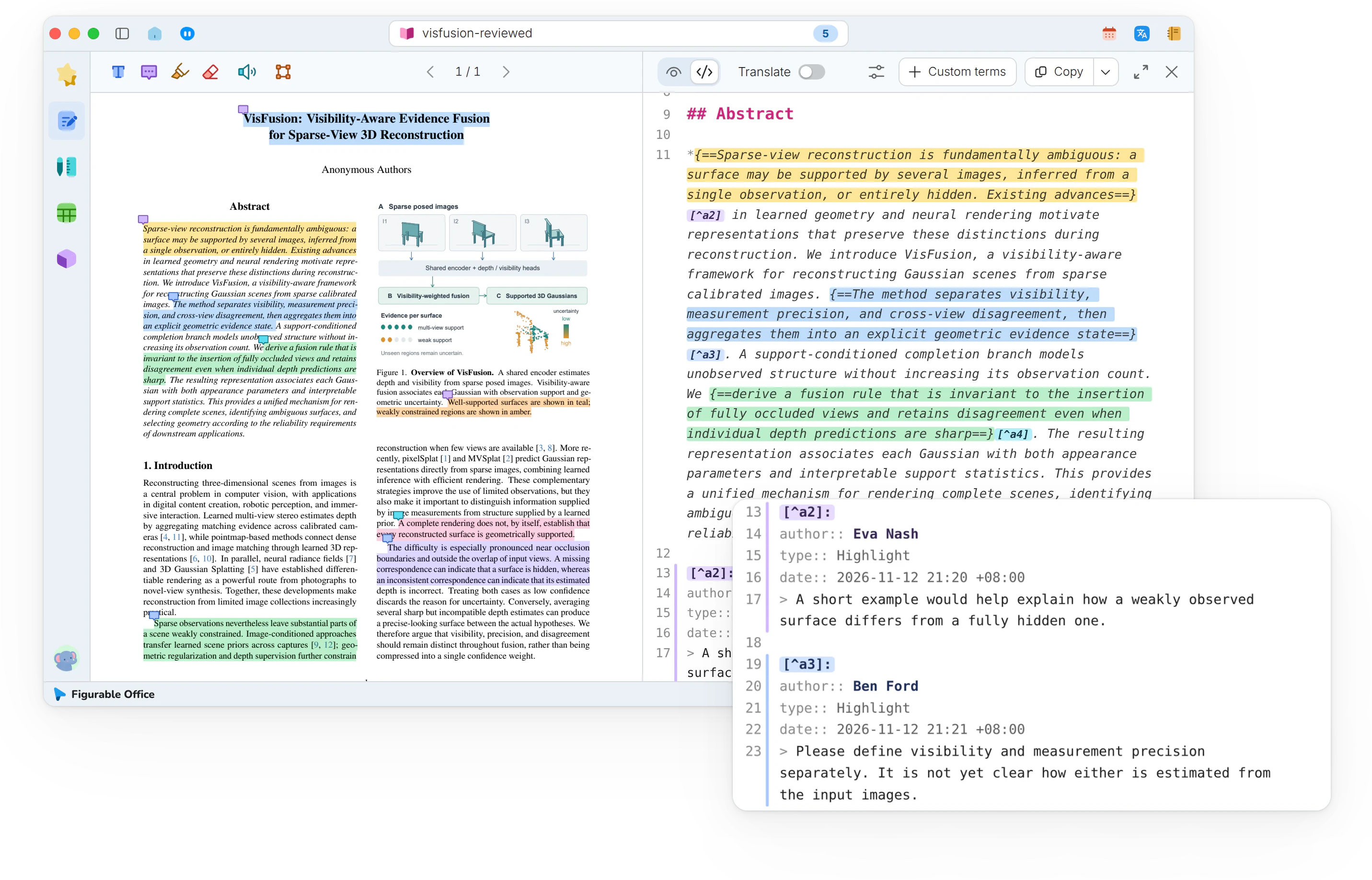
Every workspace in one app
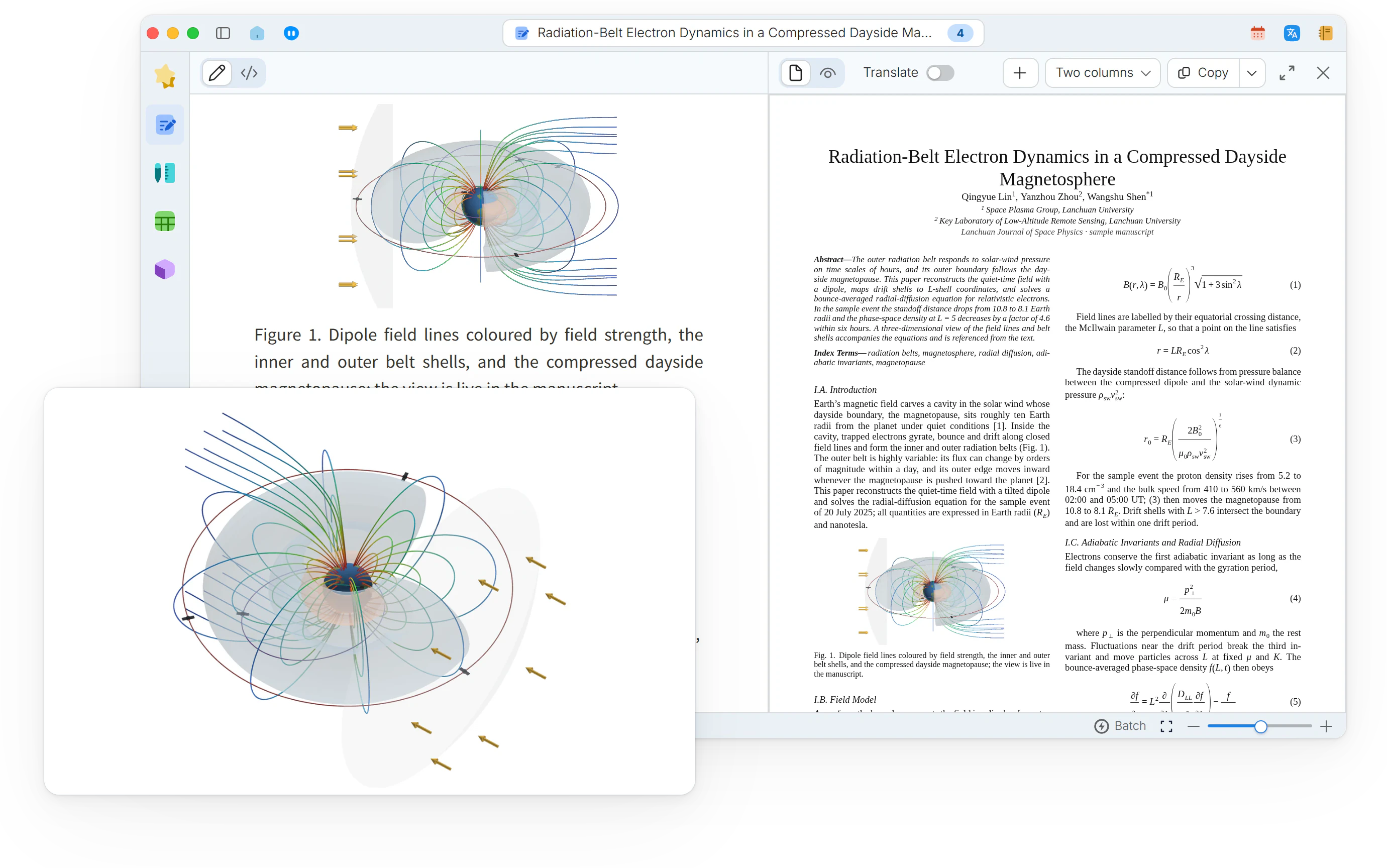
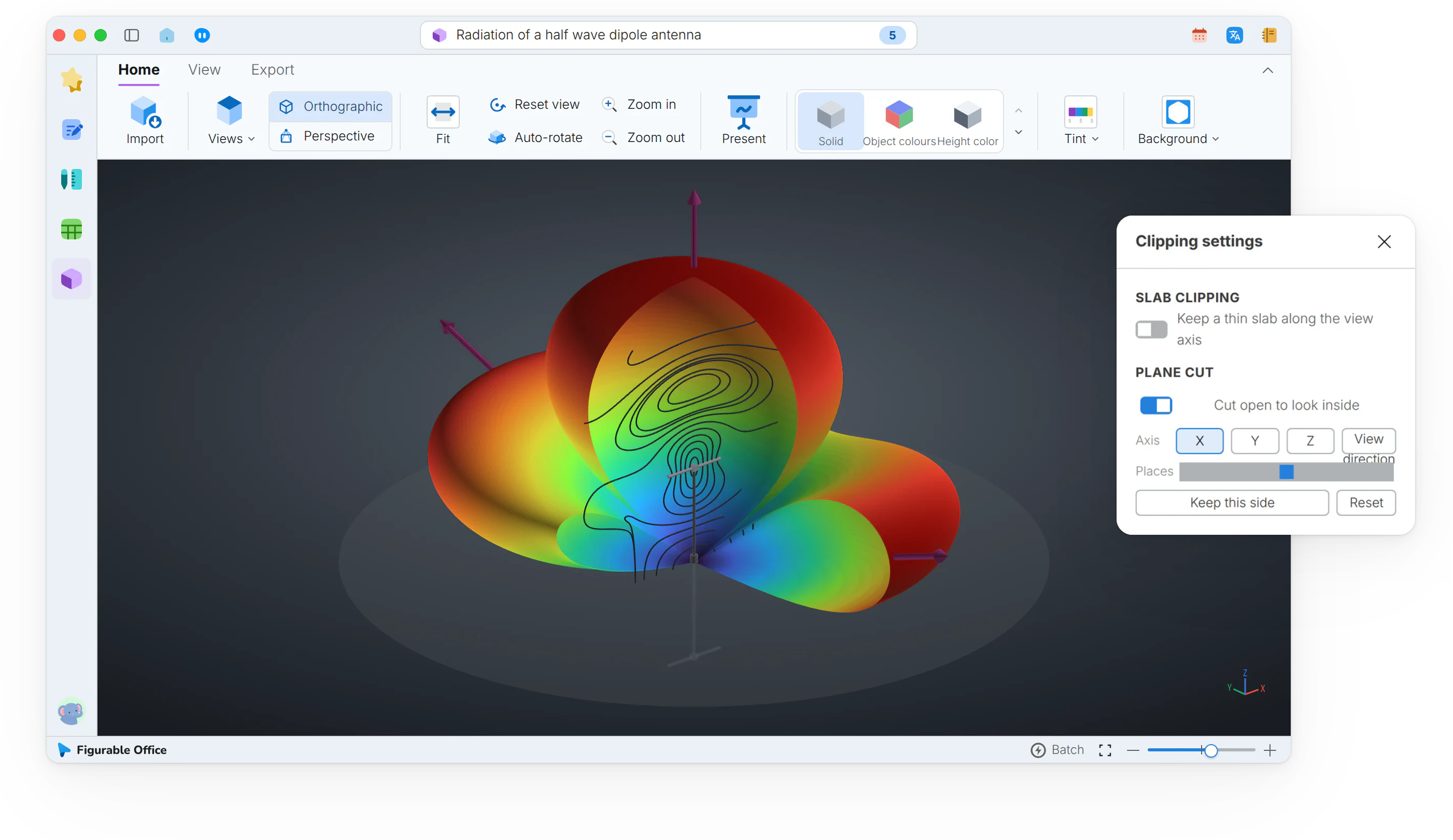
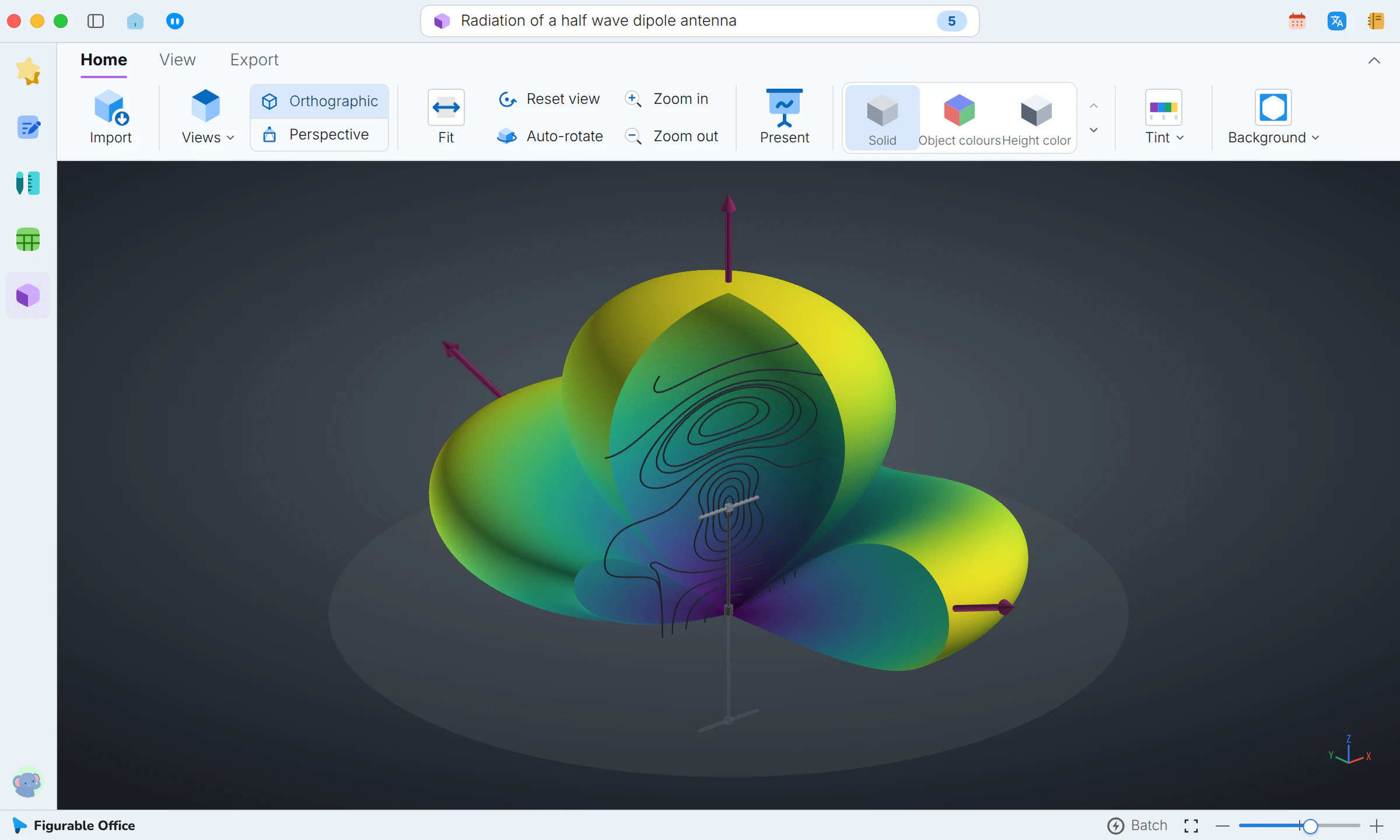
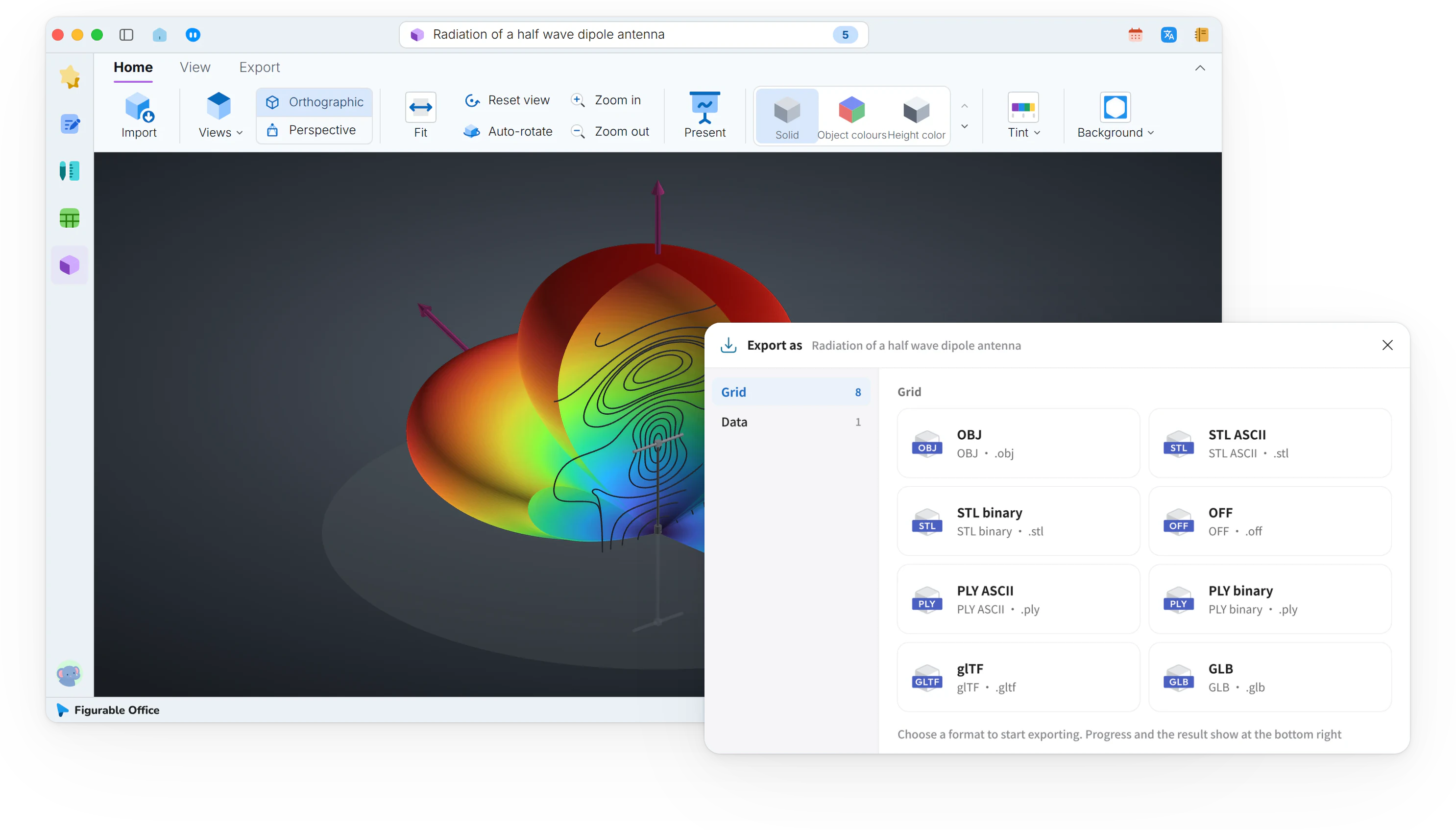
Figures and 3D models placed in a document stay linked, and open in their own workspace for edits.Figures and models stay linked once placed.
Editing, layout, figures, tables and 3D are free. PDF reflow is counted in pages and translation in characters. Free includes 100 pages and 100,000 characters a month.Free includes 100 pages and 100,000 characters a month, with editing and layout. See pricing
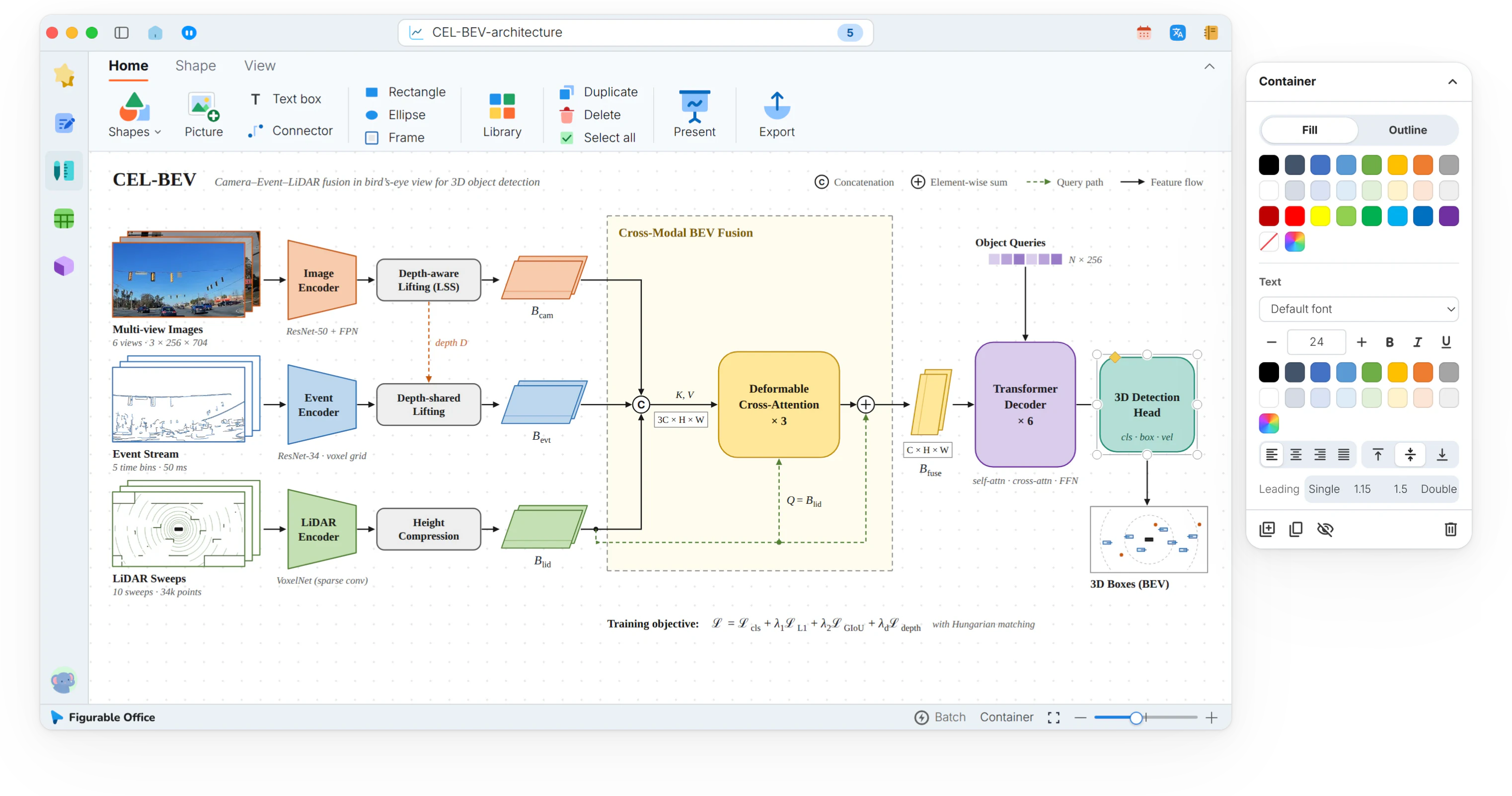
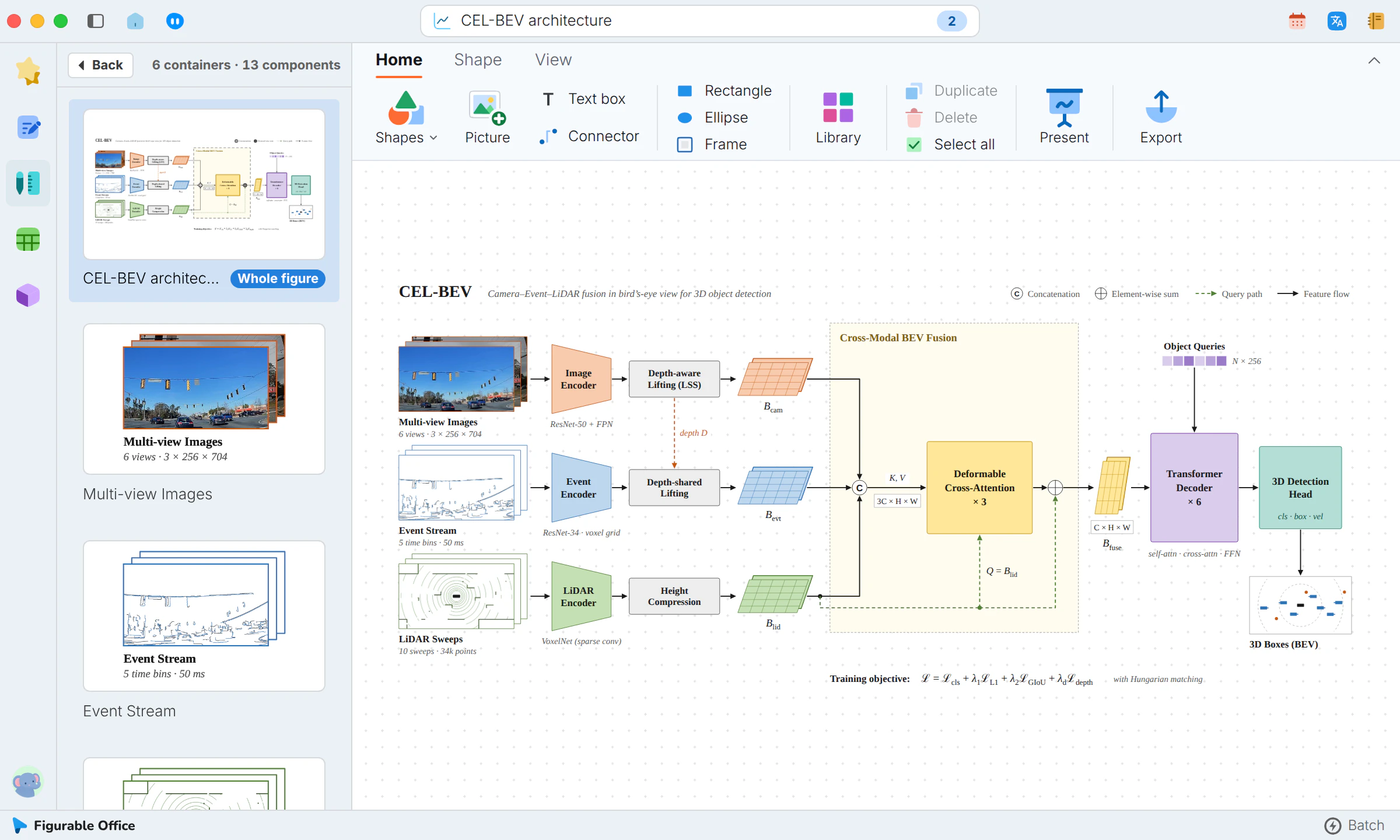
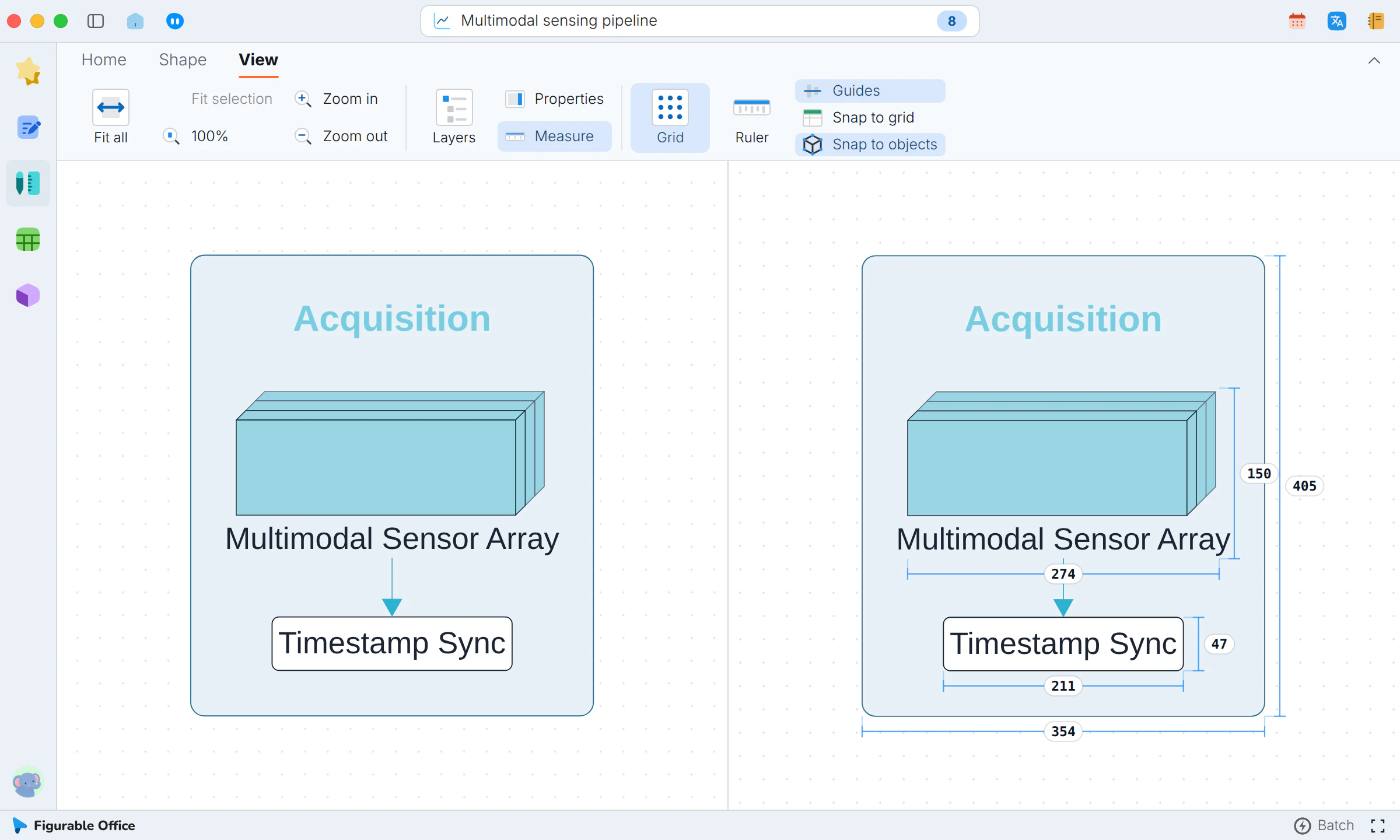
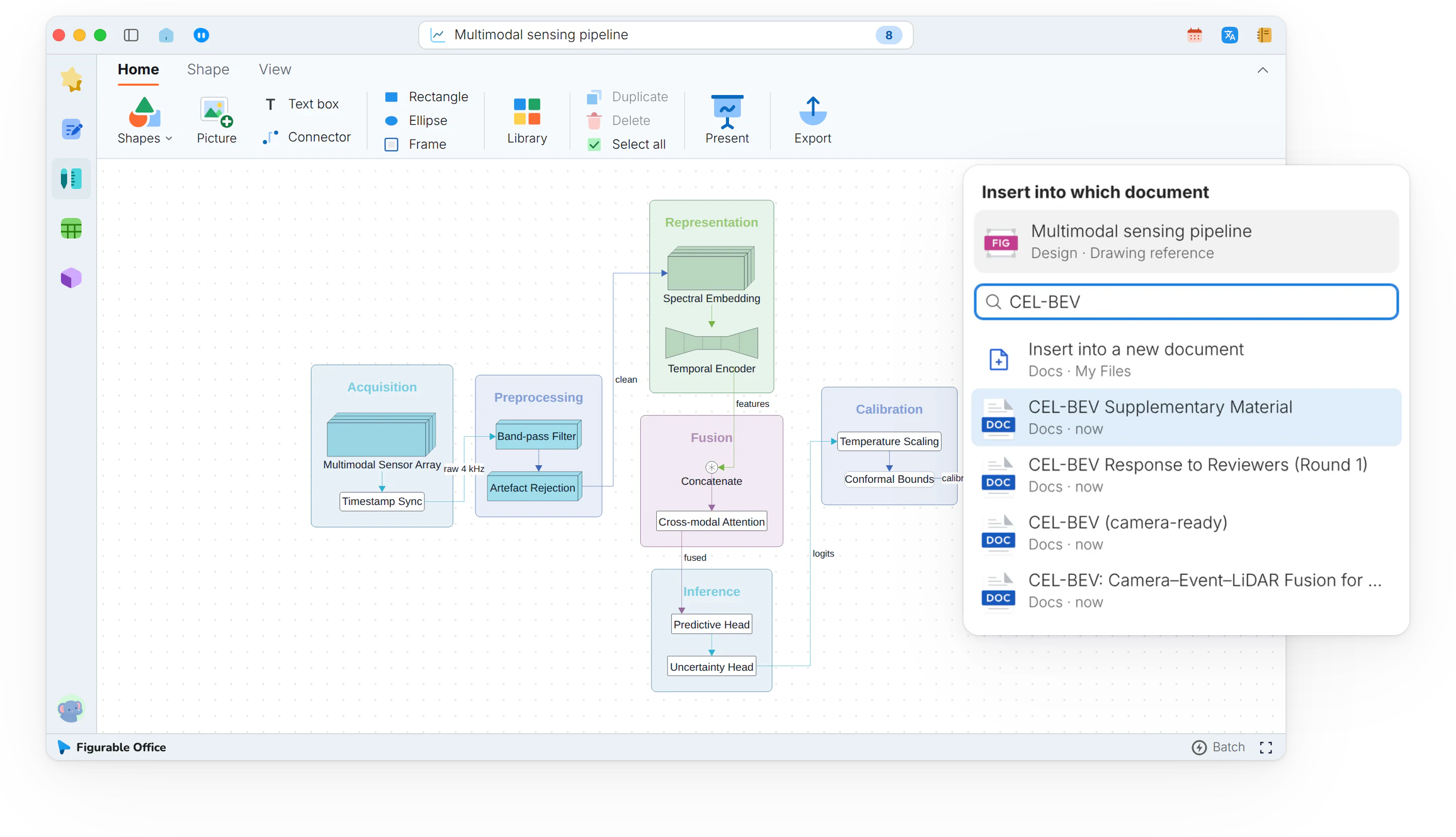
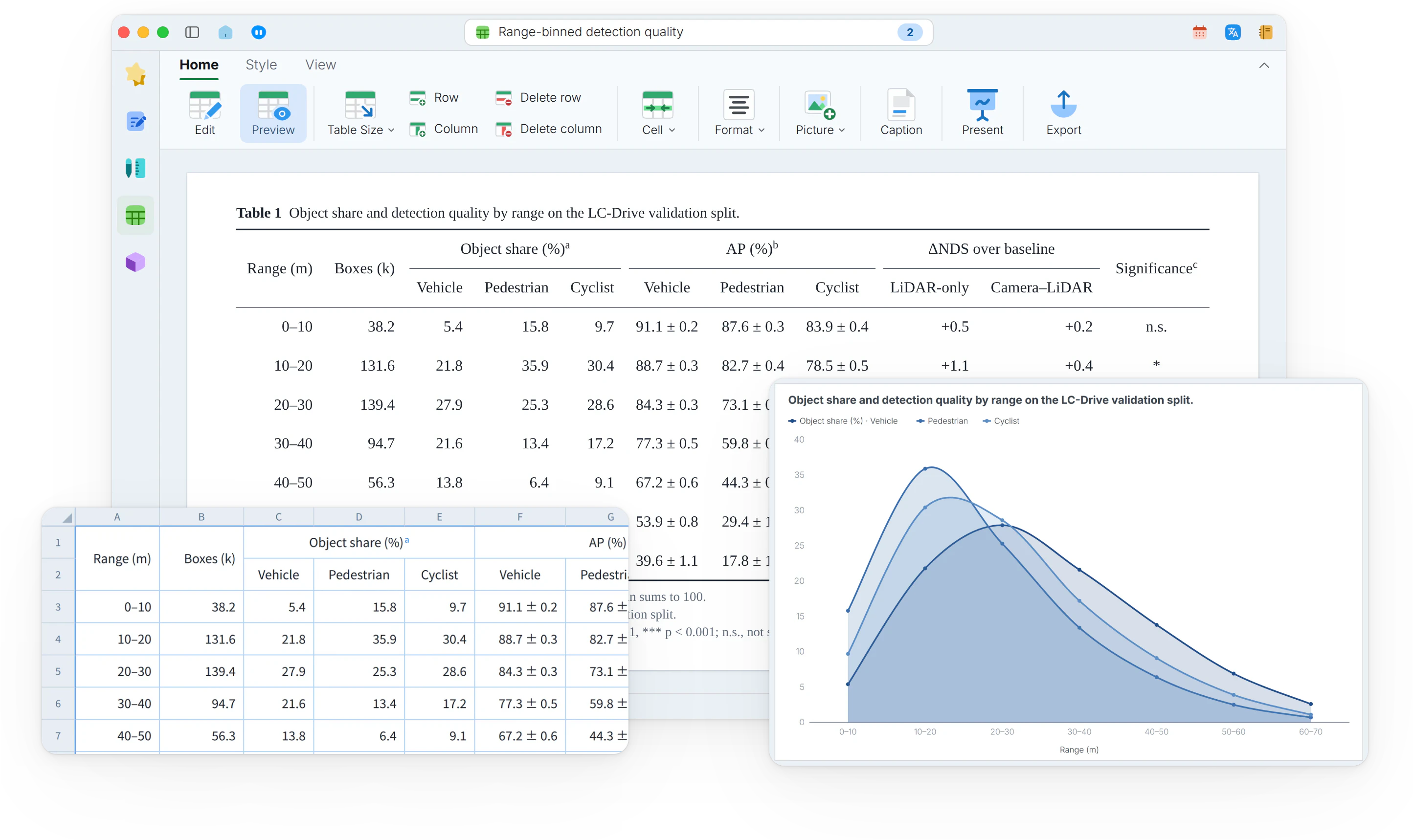
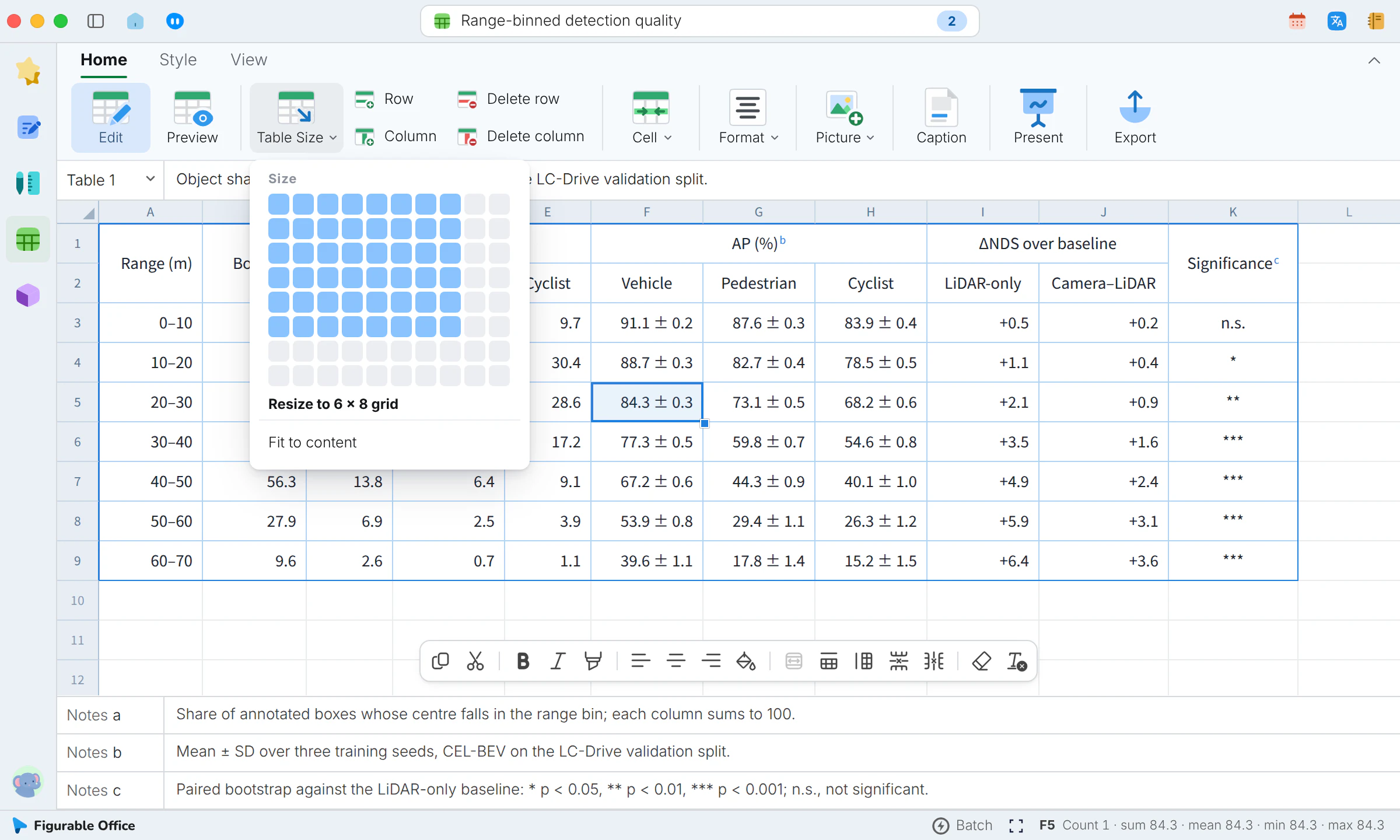
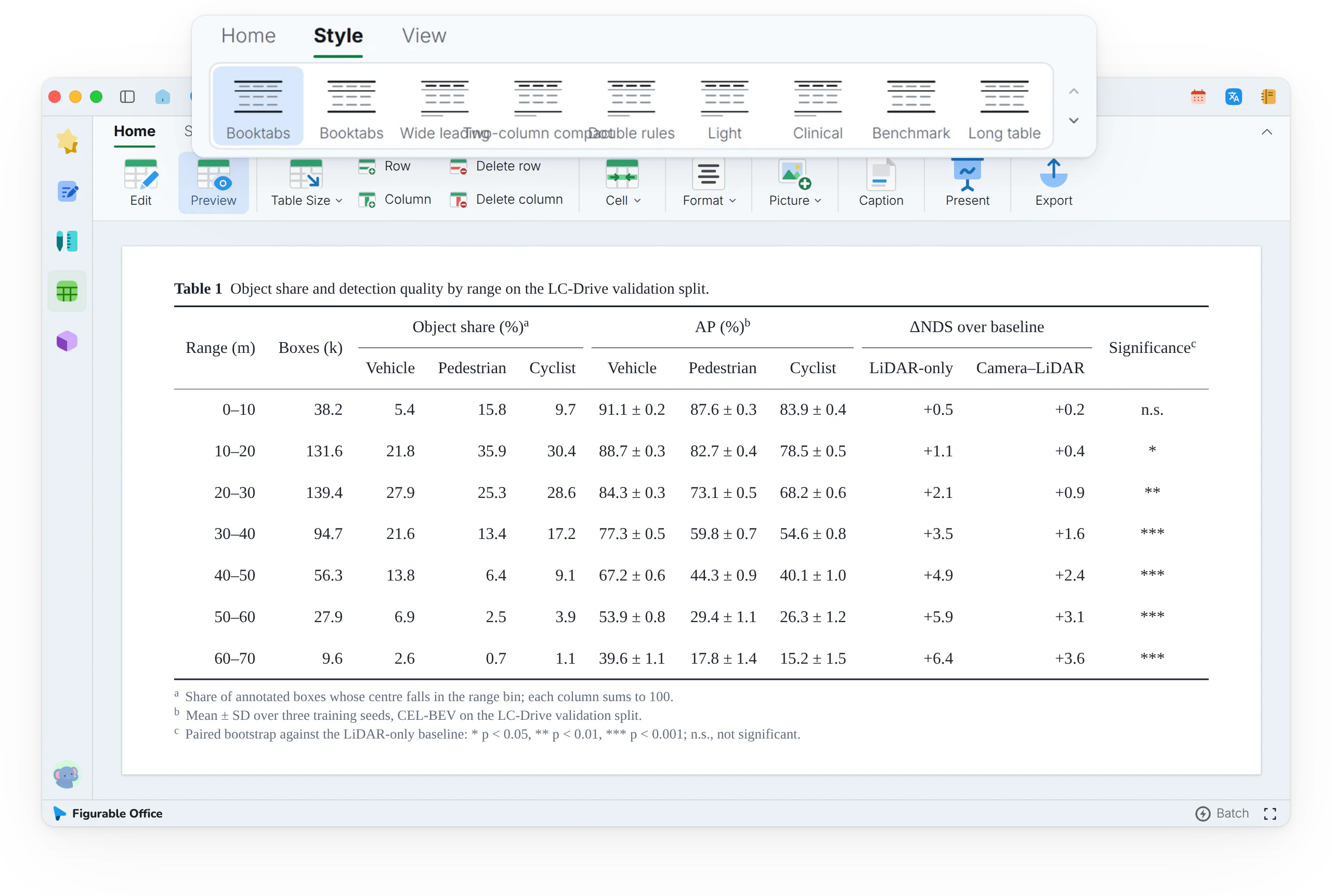
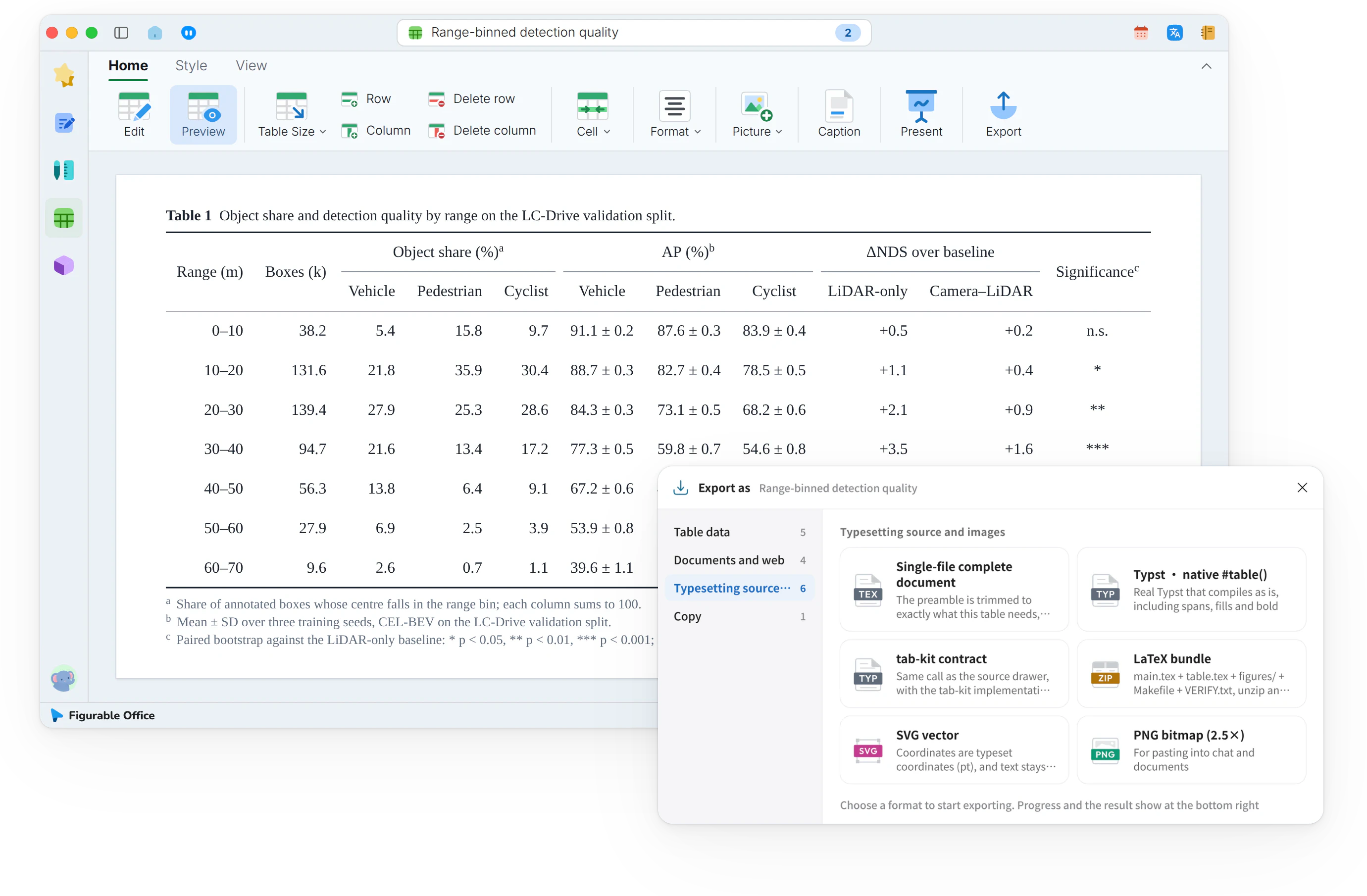

Files, schedule and notes at hand
Deadlines and meetings on one calendarDeadlines and meetings
Selected or pasted text, translated by sentenceSelected text, by sentence
Ideas jotted while reading, found by tagIdeas, found by tag
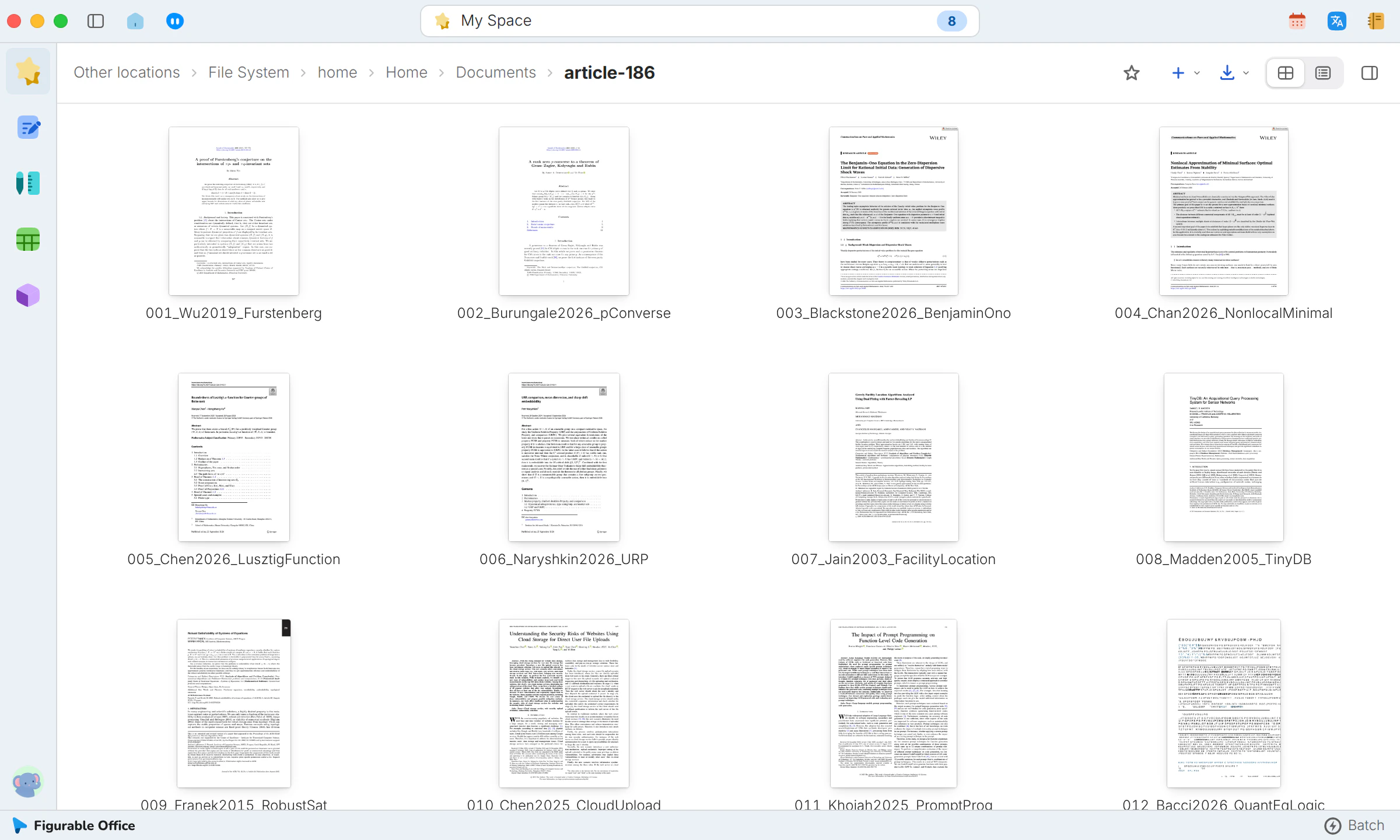
Local papers and figures, previewed by first pageLocal papers by first page



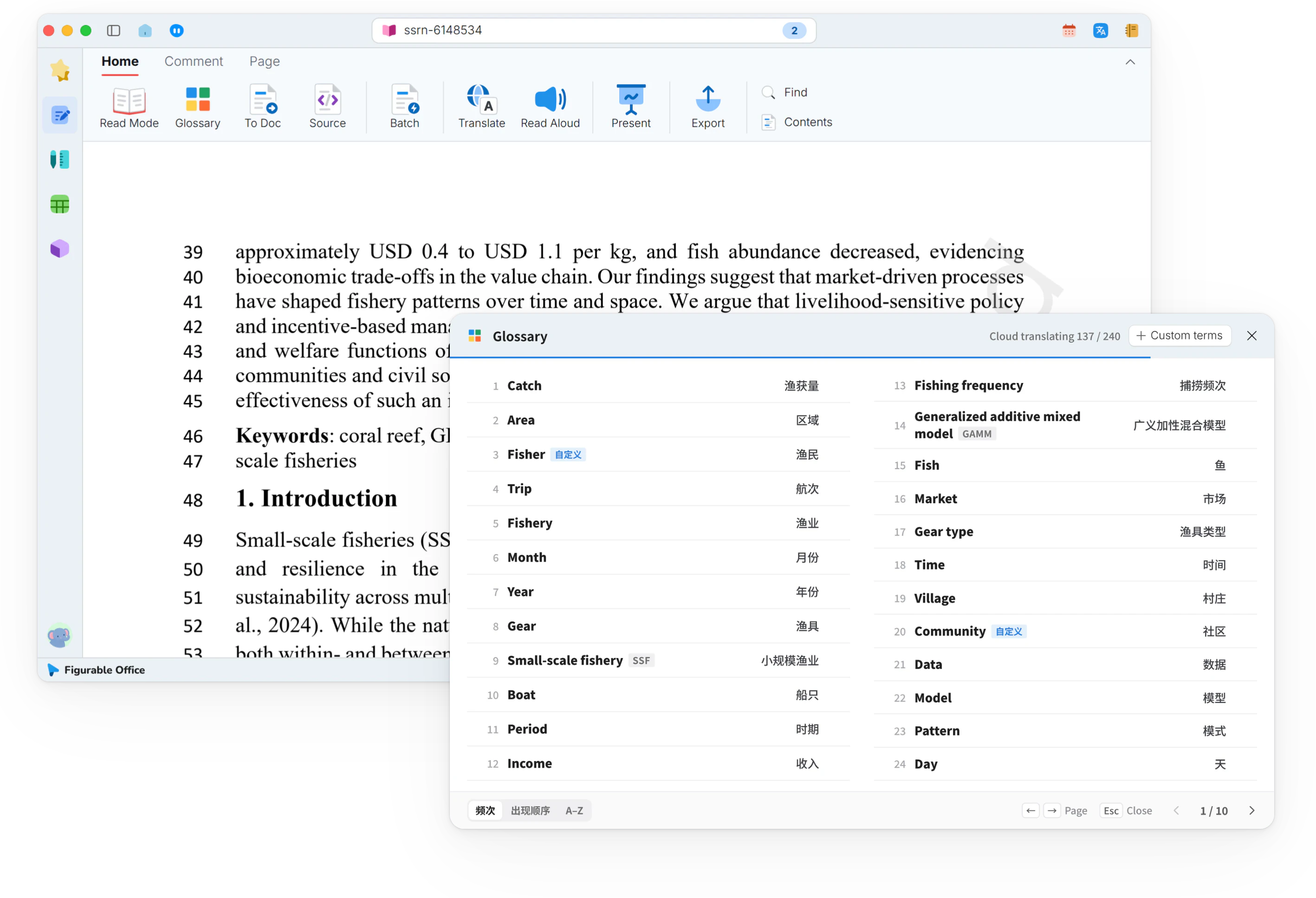
Glossary, built from each paper
The specialist vocabulary of a paper in one bilingual list, to skim before you read.A paper’s vocabulary in one bilingual list.
- Sort ordersBy frequency, order of appearance or A to Z
- Standard translationsDrawn first from the terminology library
- AbbreviationsBeside the full term on the same row
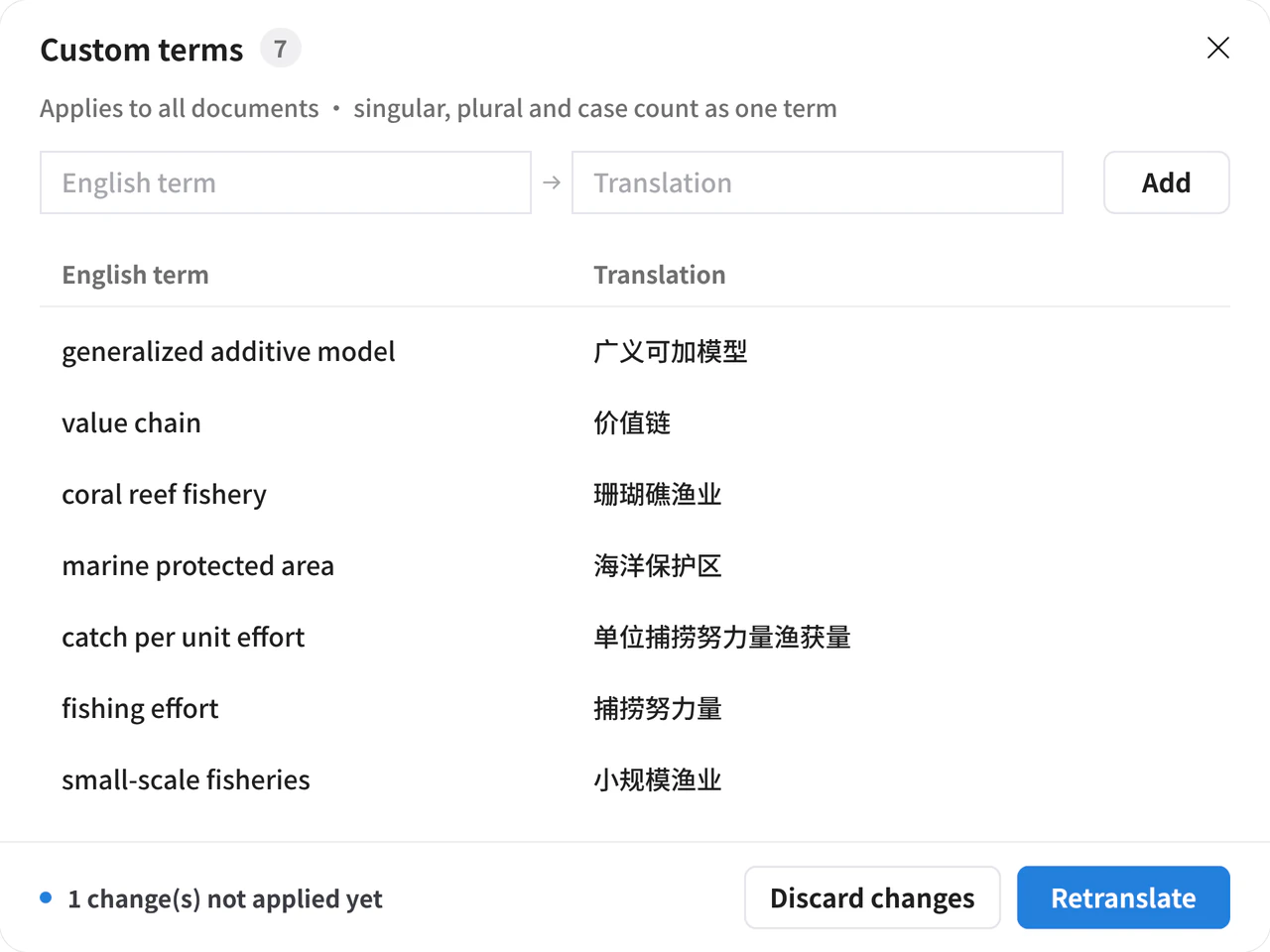
- Custom termsAdded from the glossary, applied everywhere
Proprietary terminology library
Chinese terms follow mainland academic usage, and one English word can read differently in mathematics and physics.Chinese terms follow mainland academic usage.
vectorn.
- Mathematics
- 向量
- Physics
- 矢量
- Biology
- 载体
- fields600+ subfields
- 27
- verifiedterms
- 160,000+
- mistranslationsreplaced
- 24,000+
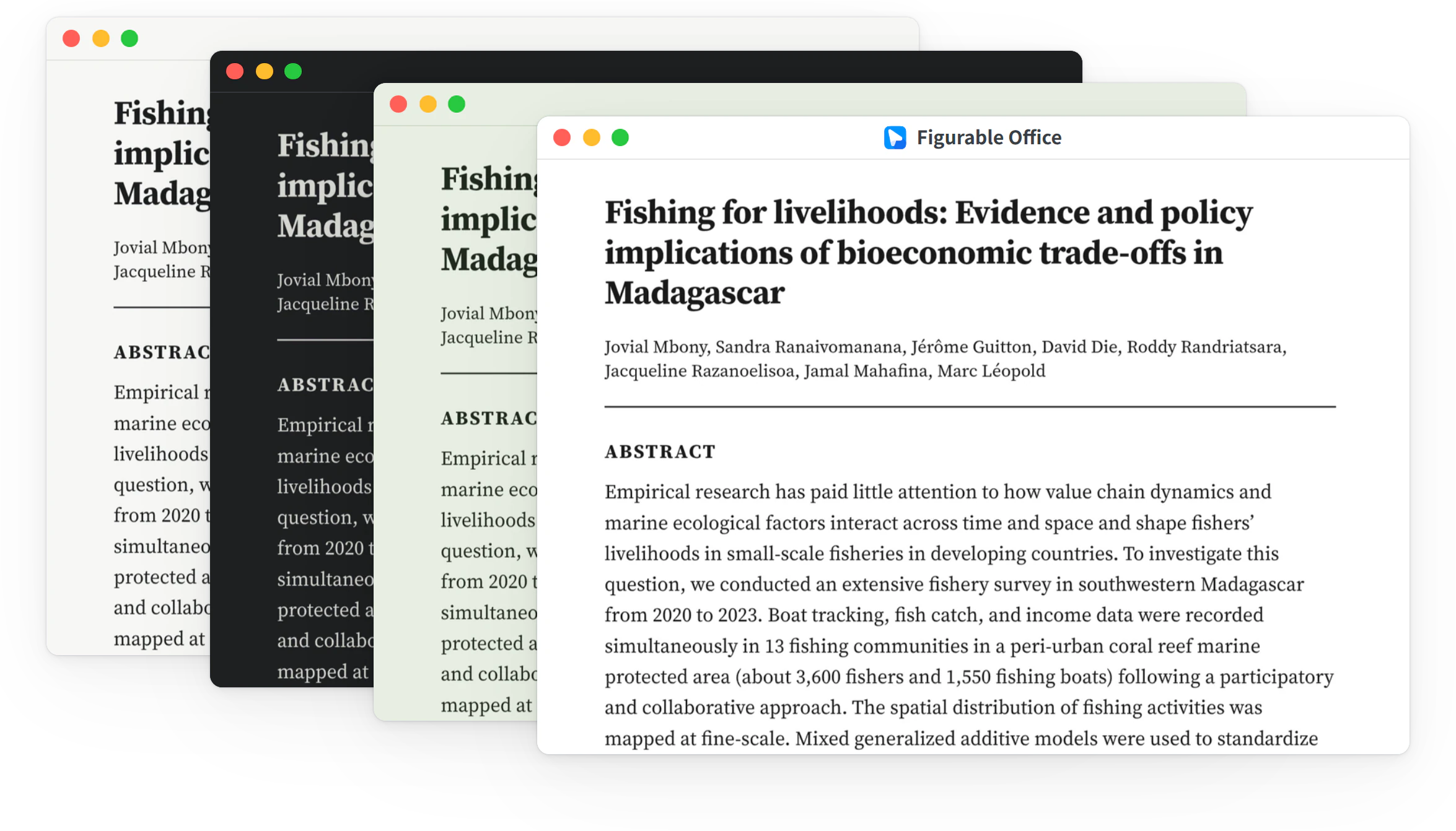
Paper colors for comfortable readingPaper colors
For long reading sessions, switch to a softer background and a larger text size.For long sessions, a softer background and larger text.
- Light and darkSoft white, Sage, Graphite and more
- Text sizesOne setting for every paper
- Kept for each paperA paper reopens as you left it
Showcases, step by step
Follow one through once and use the feature on your own papers.Follow one through once.

Every feature
See all 24 featuresFor macOS and Windows
Figurable Office makes document processing, typesetting and translation easy for researchers.Easy document processing, typesetting and translation for researchers.