scale(1.3637)'%3E%3Cg clip-path='url(%23cb)'%3E%3Crect x='0' y='0' width='1024' height='1024' fill='url(%23pg)'%3E%3C/rect%3E%3Cg clip-path='url(%23cf)'%3E%3Crect x='0' y='0' width='1024' height='1024' fill='url(%23fg)'%3E%3C/rect%3E%3C/g%3E%3C/g%3E%3C/g%3E%3C/svg%3E)
Features in Figurable Office
Reading, translation and writing, with workspaces for figures, tables and 3D, plus notes and planning.Reading, translation, writing, figures, tables, 3D and notes.
Comfortable reading, an interactive view
Two-column PDFs reflow into a single column, with citations, figures and equations previewed on hover.Single-column reflow, with previews on hover.
- Interactive readingHover a theorem, equation or figure to preview it
- Reflowed in secondsTwo-column papers become one clean column
- Equations copied in one clickLaTeX and other forms, ready to paste

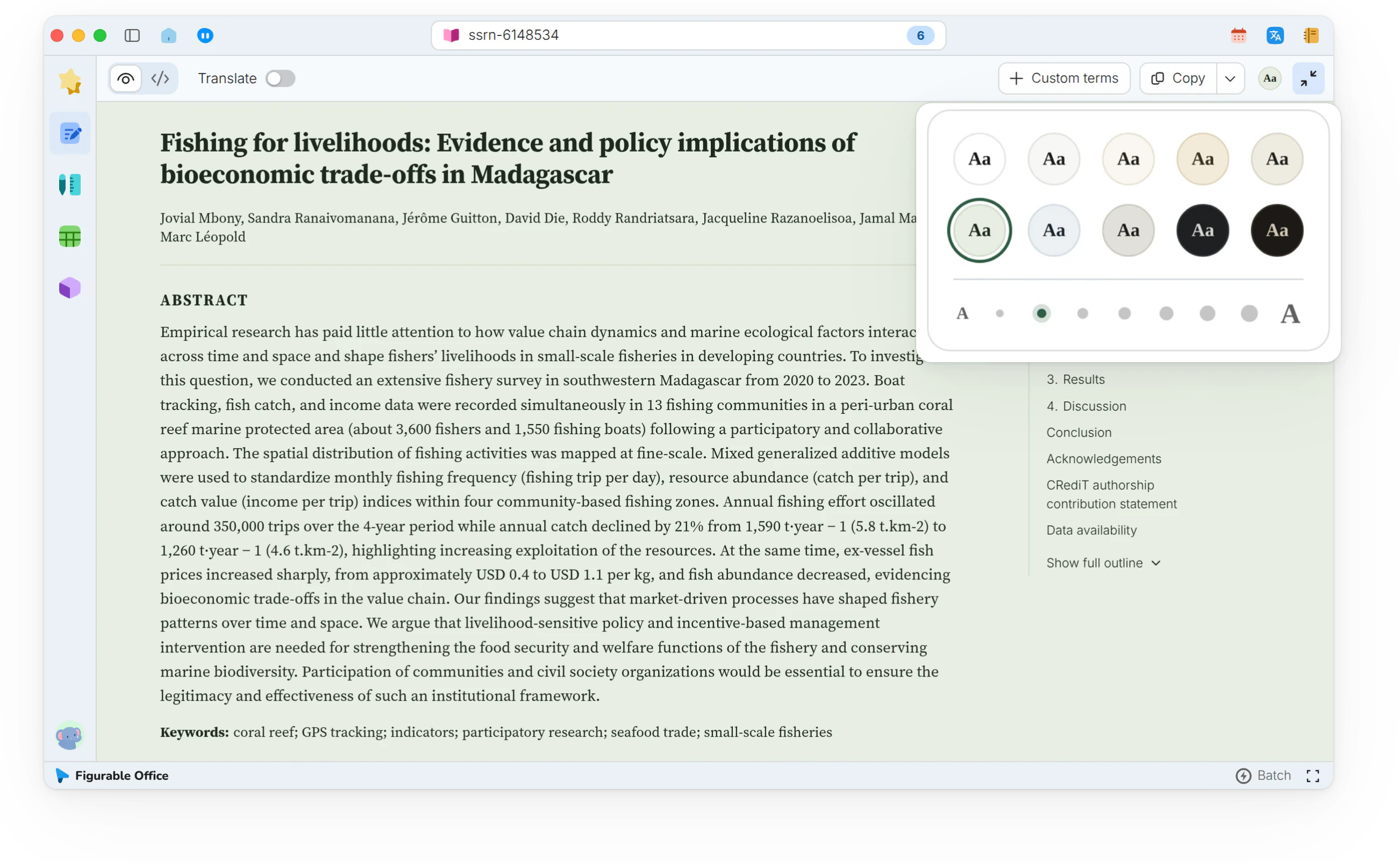
Single-pane reading, full windowSingle-pane reading
Hide the original and keep the outline at the right, so your eyes stay on one column.Hide the original, keep the outline.
- A wider columnOnly the reading view stays
- Paper colorsSoft white, Sage, Ivory and more
- Text sizesSet in the same popover as the color
Source view, Markdown beside the PDFSource view, beside the PDF
Edit a reflowed paper directly, with its structure in plain view. A Plus feature.Edit a reflowed paper directly. A Plus feature.
- Side by sideThe PDF on the left, editable text on the right
- Syntax highlightingHeadings, equations and citations in color
- Annotations includedHighlights and comments come along

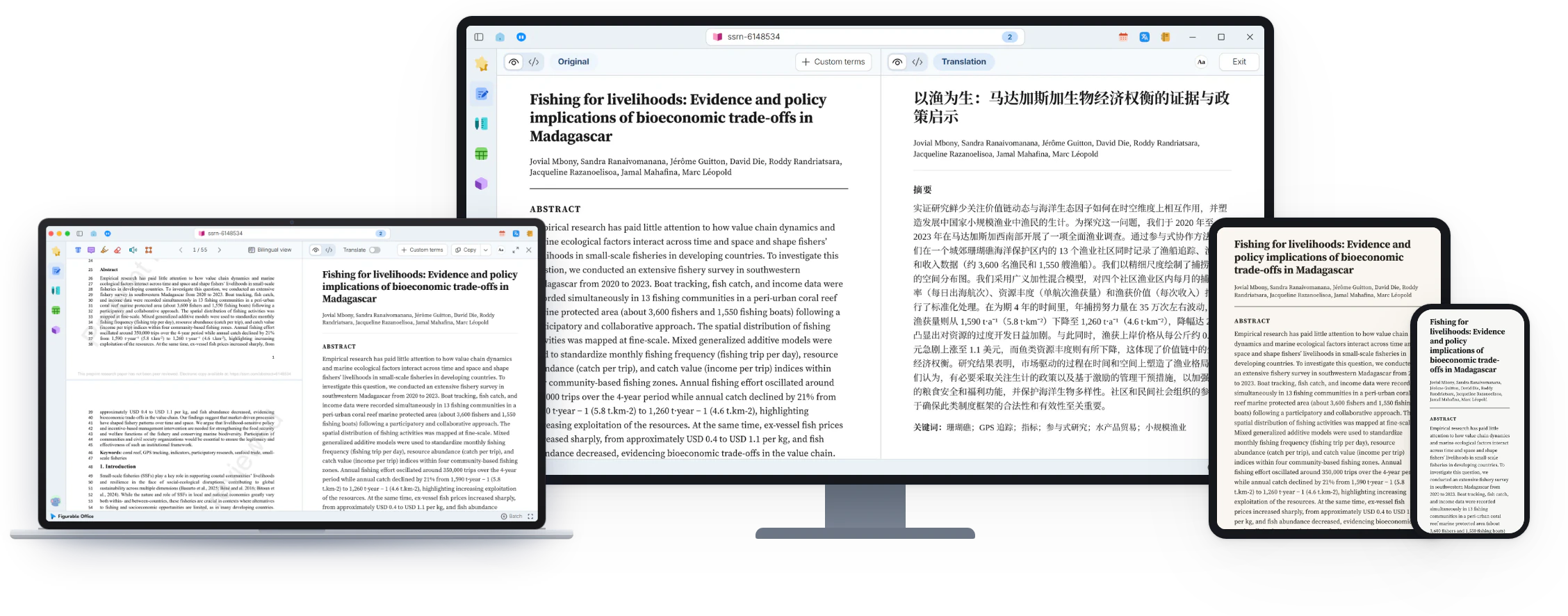
Full translation, structure intact
Titles, abstracts and headings are translated with the text, while equations and figures stay as they are.Headings translated with the text, equations and figures untouched.
- Structured translationBy section and paragraph, symbols left in place
- Reading that never breaksFigures and equations stay where they were
- Long papers, translated fastThe whole paper in one pass, no waiting per paragraph

Bilingual view, checked paragraph by paragraphBilingual view, by paragraph
Check a translation without hunting for the matching paragraph.
- Two columnsEnglish on the left, Chinese on the right
- Linked columnsClick a paragraph and the other column follows
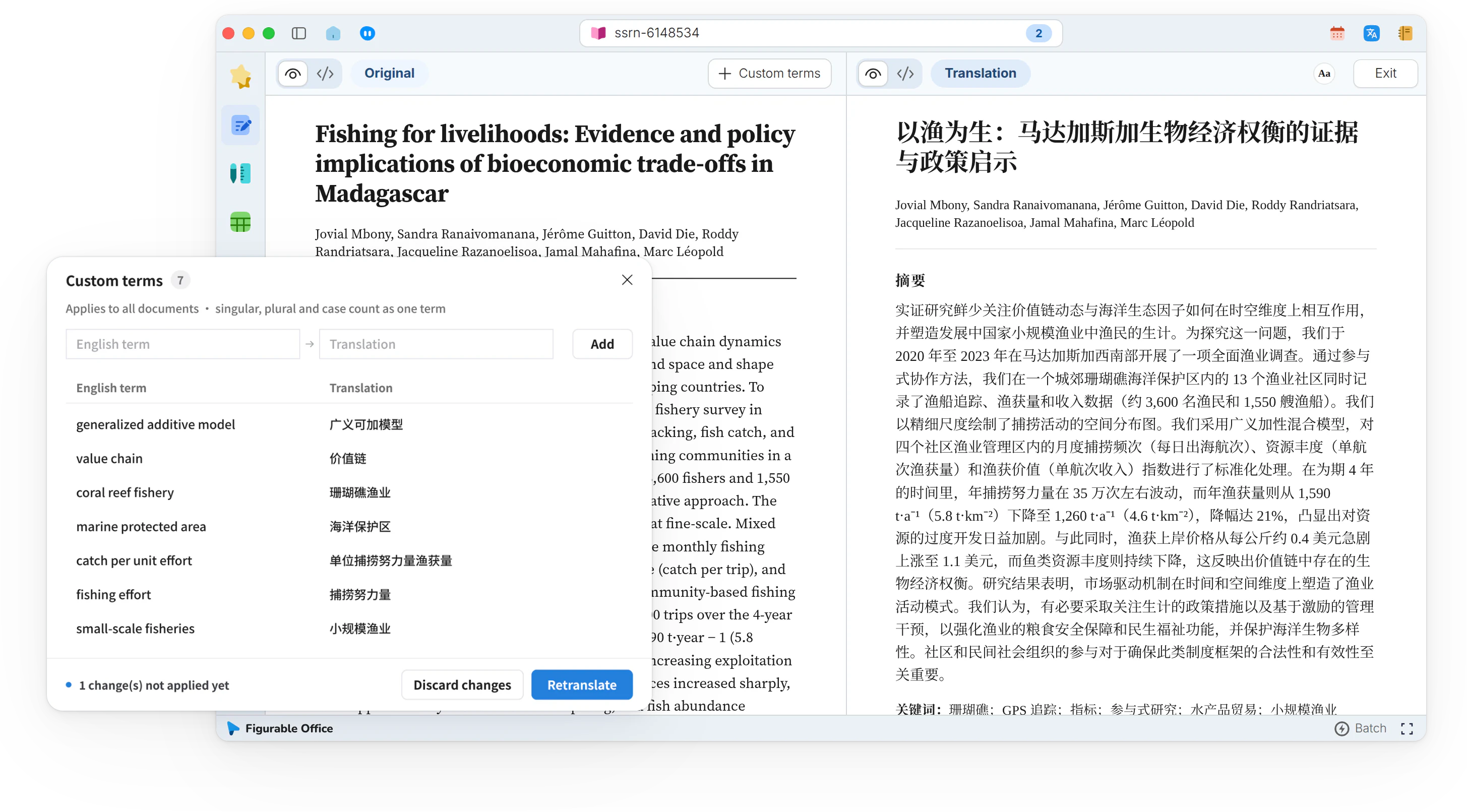
- Custom termsRetranslate once, consistent everywhere
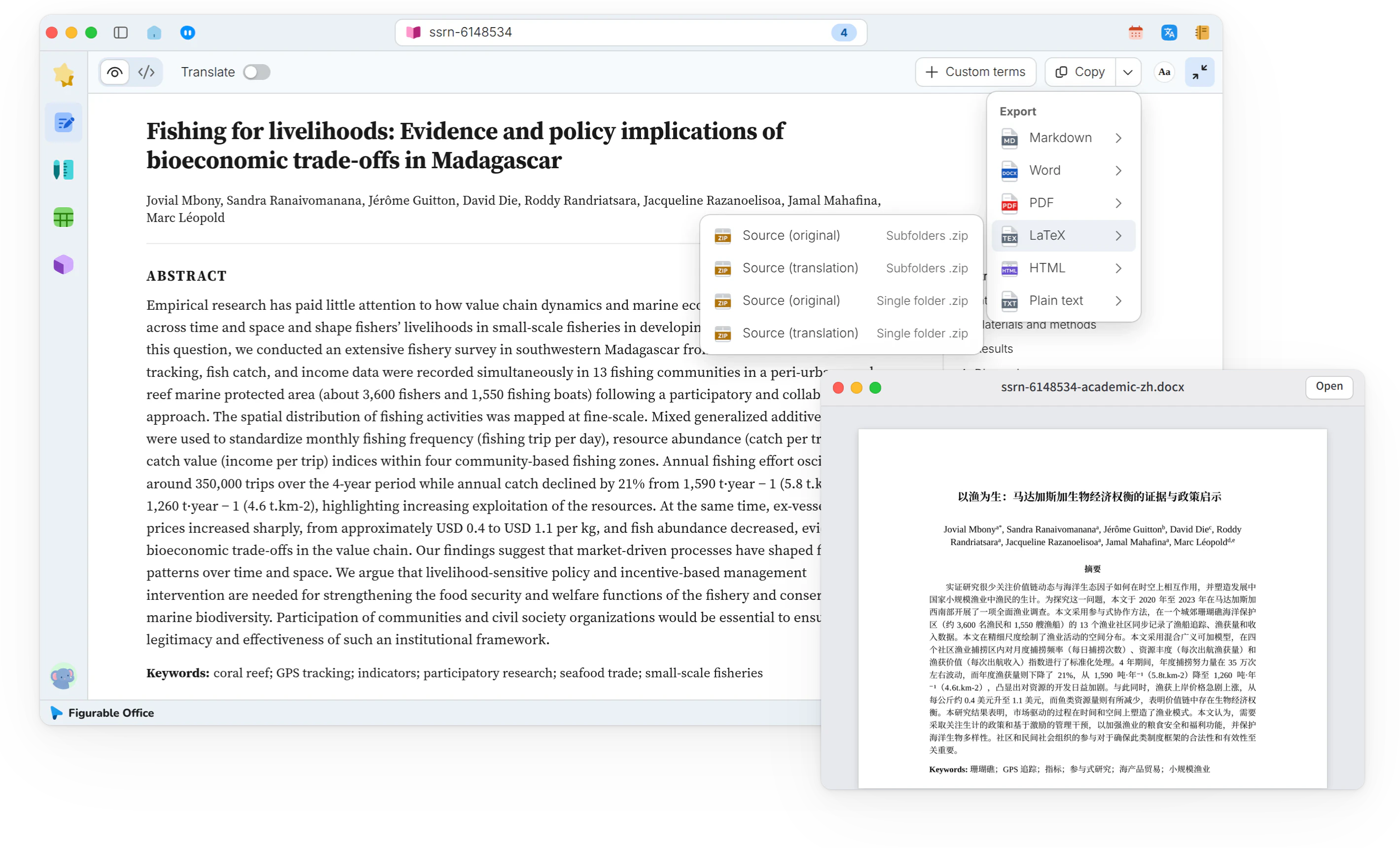
PDF export to editable files
Take a reflowed paper with you and keep editing it in the tools you already use.Take a reflowed paper and keep editing.
- Word and PDFBasic formats, free to export
- LaTeX and MarkdownAdvanced formats, from Plus
- Either languageExport the original or the translation
Writing and typesetting, live layout
Writing in Docs updates the typeset page live, with revisions, embeds and references in one manuscript.Live typesetting, with revisions and references in one manuscript.
- Live typesettingWrite on the left, see the finished pages on the right
- Built-in layoutsOne or two columns, thesis or poster
- Equations and figuresEquations, booktabs tables and 3D in the text

Design workspace
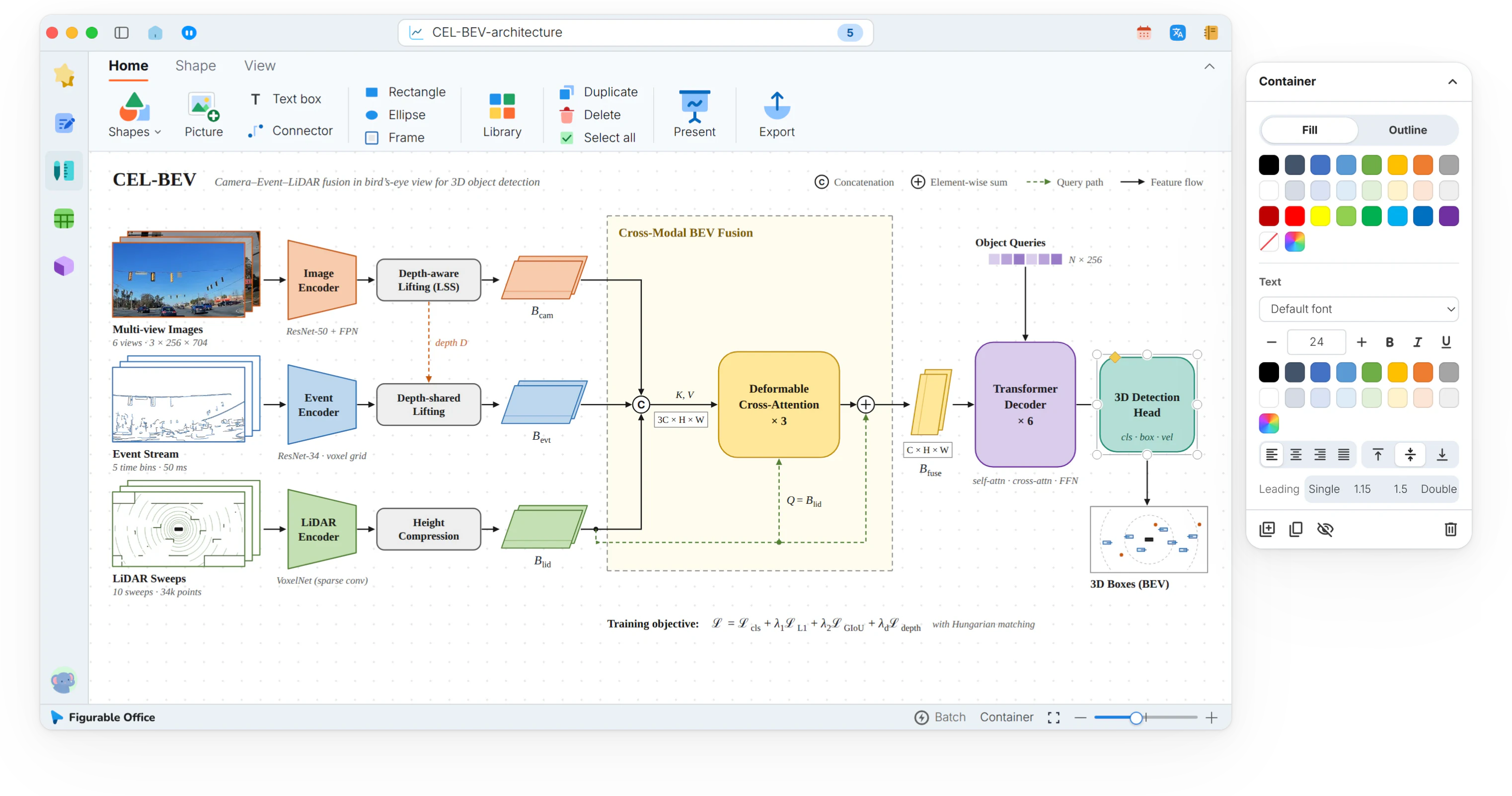
Shapes, connectors and 451 research palettes, exported as PNG, SVG or PPTX.Shapes, connectors and 451 palettes, many export formats.
- Pen toolEvery shape a diagram needs
- Closed pathsFillable regions
- Fill and strokeParts of a diagram told apart
Tables workspace
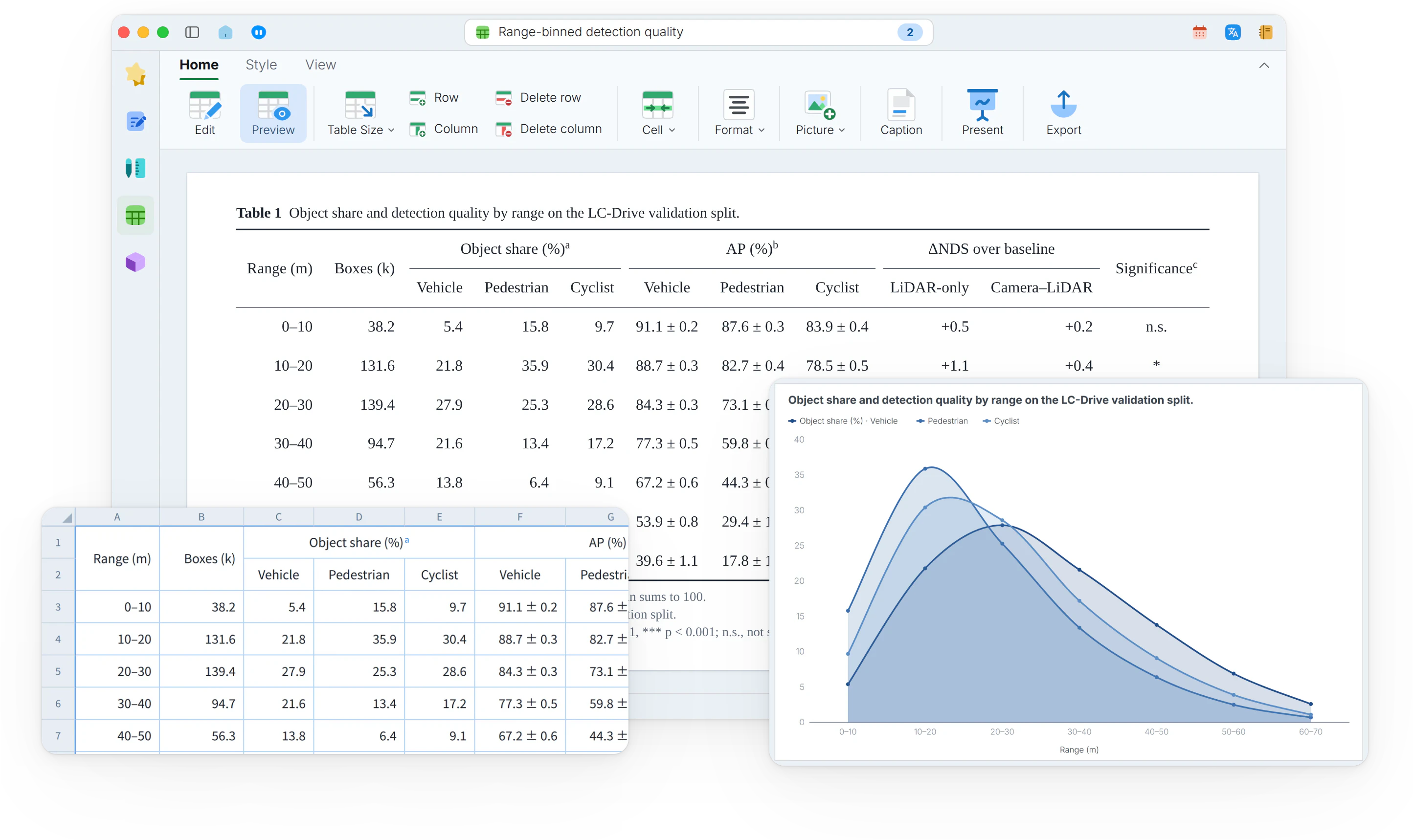
20 built-in styles, charts from tables, and export to Excel, LaTeX or Typst.20 styles, charts from tables, many export formats.
- Booktabs tablesRules and alignment handled automatically
- Data apart from layoutEditing one leaves the other intact
- Multi-format exportLaTeX, Word, Excel, SVG, PNG and more
3D workspace
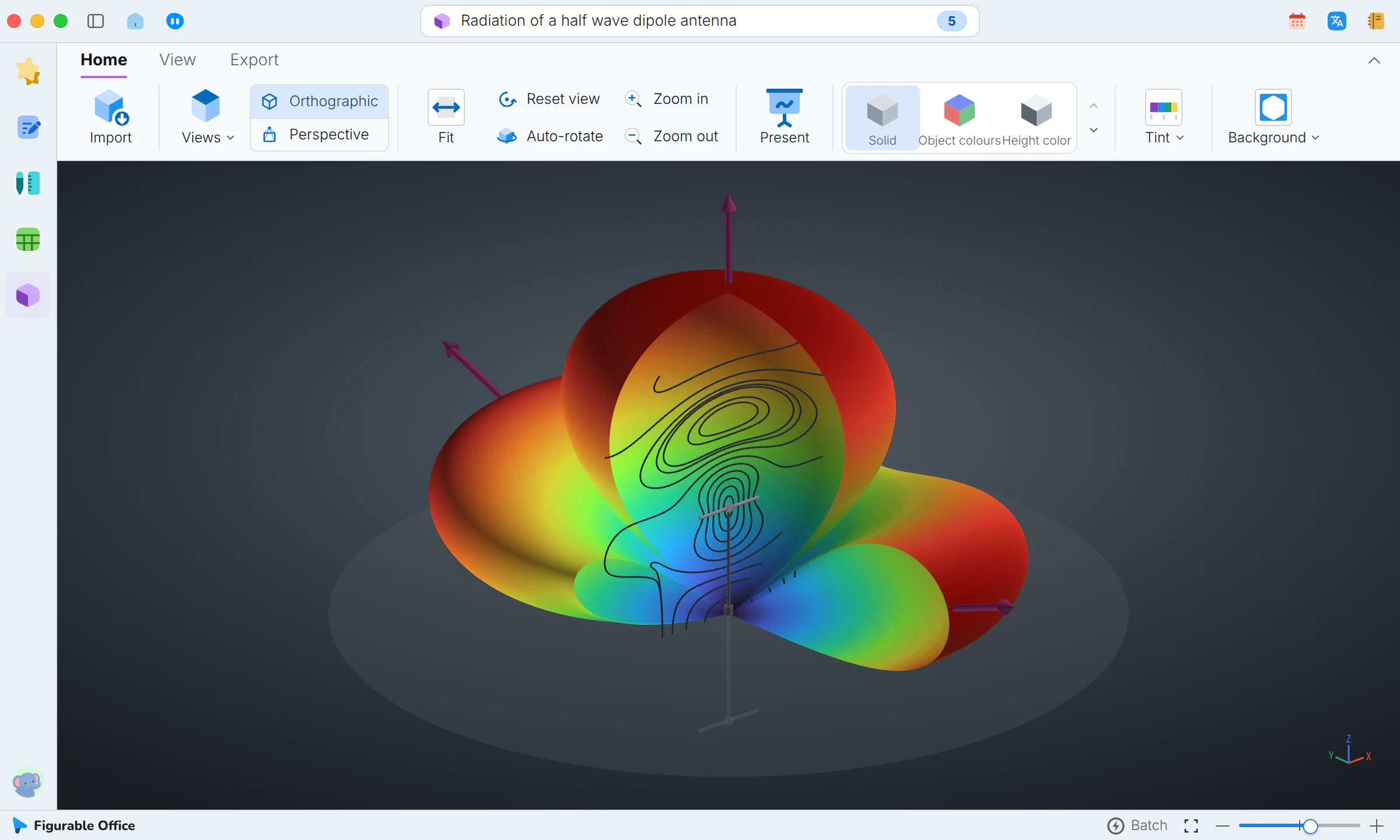
Models and point clouds, compared in a grid, colored and clipped.Models and point clouds, compared, colored and clipped.
- Direct openingNo format conversion
- Common formatsLab equipment files work as they are
- Multi-pane viewSeveral angles compared at once
Calendar and tasks, kept in syncCalendar and tasks
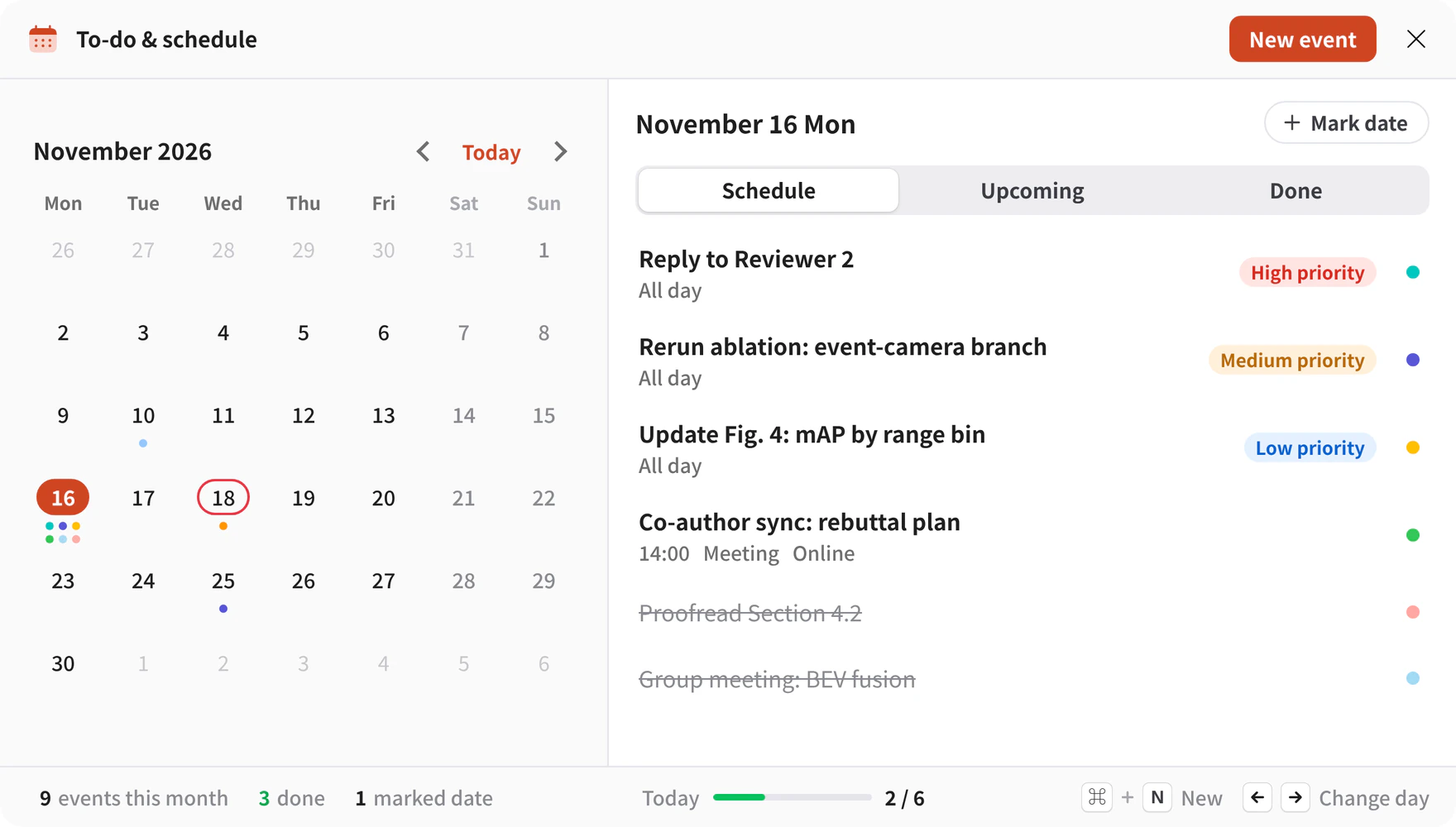
Submissions, seminars and defenses in one place, so you always know what is due.Submissions, seminars and defenses in one place.
- Deadline countdownsDays left, always in view
- Meeting scheduleLaid out day by day
- Task listsBig jobs broken into small steps
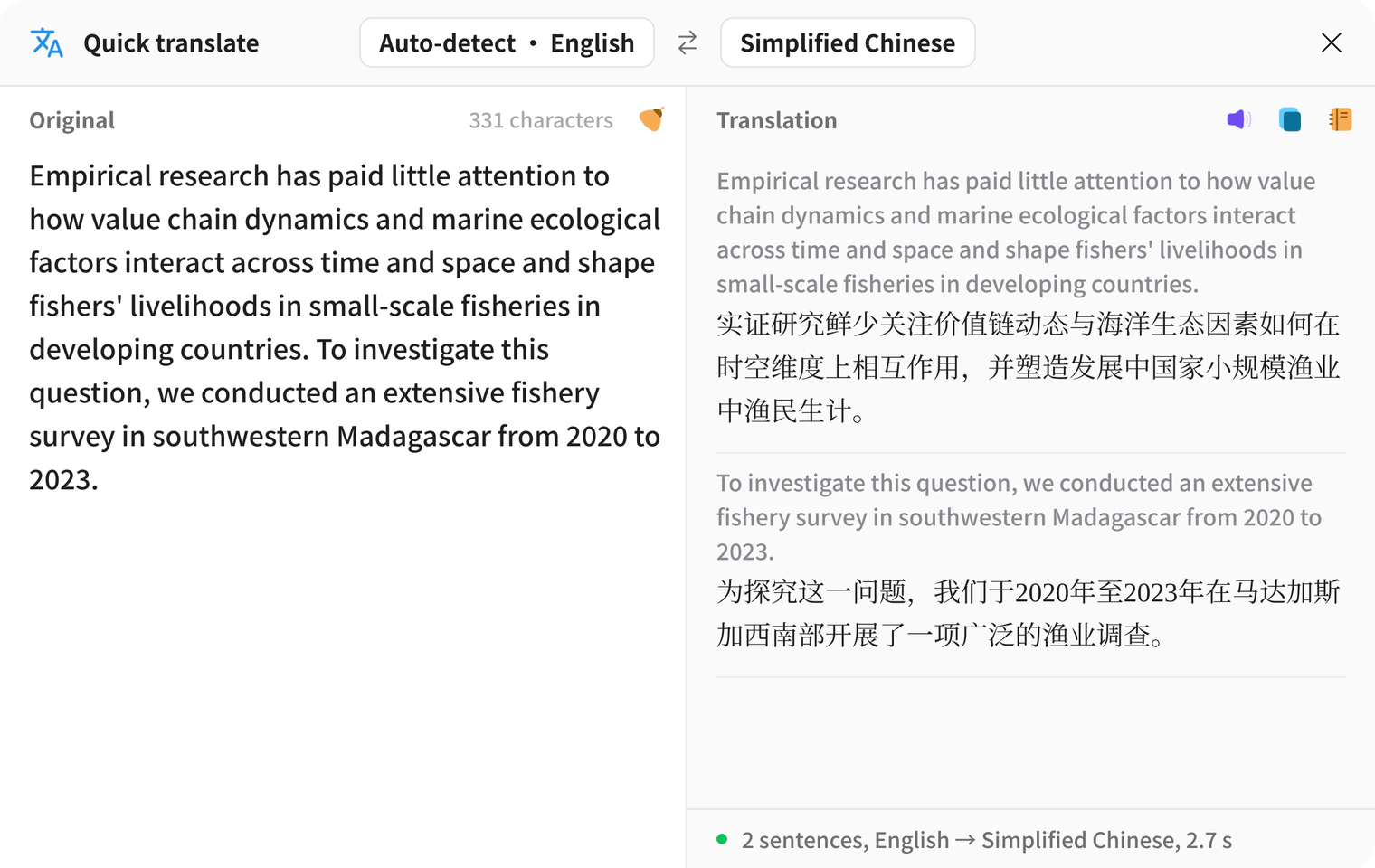
Quick translation, sentence by sentenceQuick translation
Select a sentence you are unsure about and its Chinese appears in a pop-up.Select a sentence, see its Chinese in a pop-up.
- Translation on selectionReading continues without interruption
- Language directionEnglish to Chinese or the reverse
- Top bar accessAvailable in every workspace
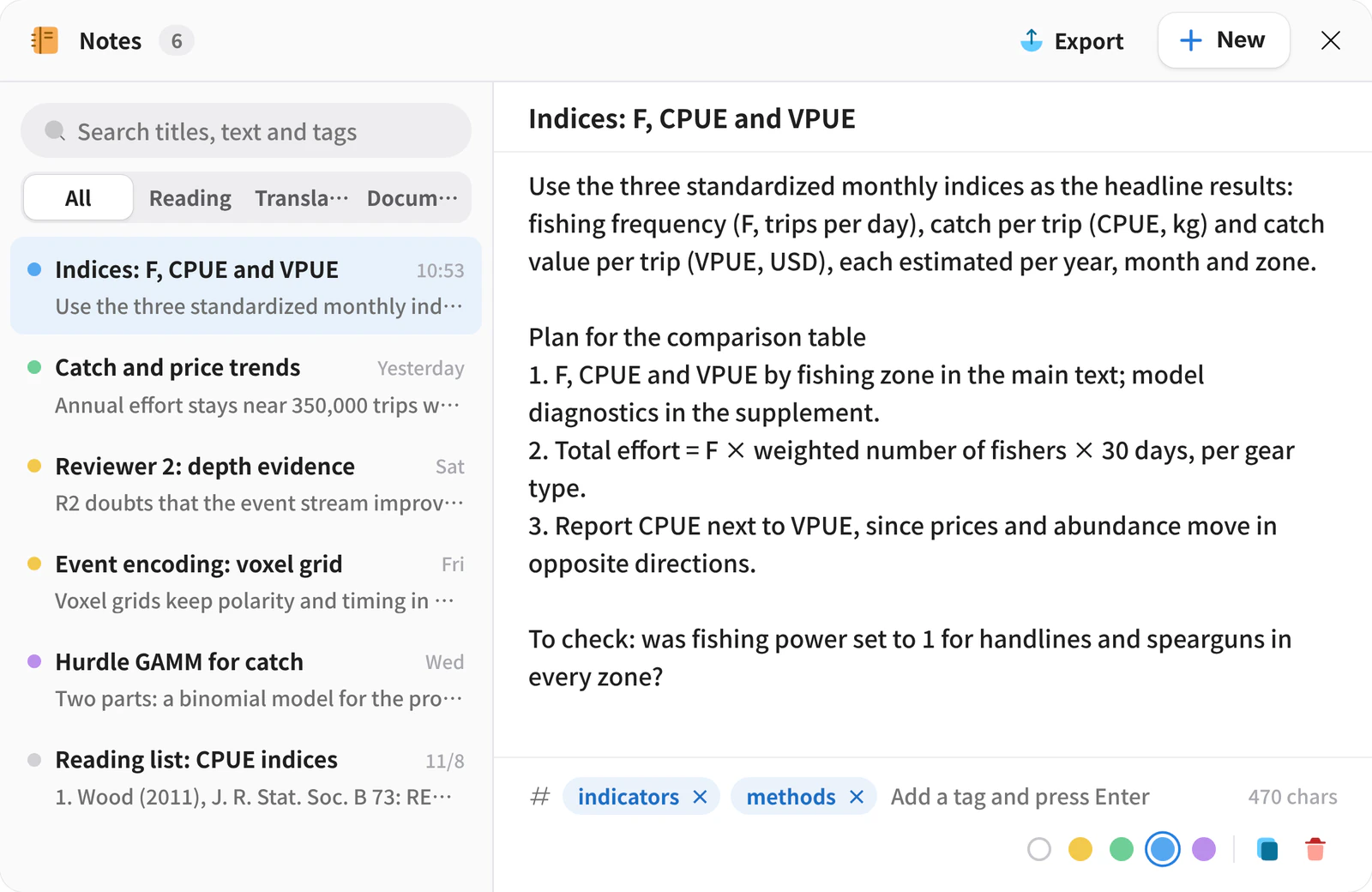
Notes, found by tag
Jot down ideas while you read and find them again from any document or workspace.Jot down ideas and find them again anywhere.
- One placeAcross documents and workspaces
- TagsOrganized by project or chapter
- Note searchOne entry among hundreds
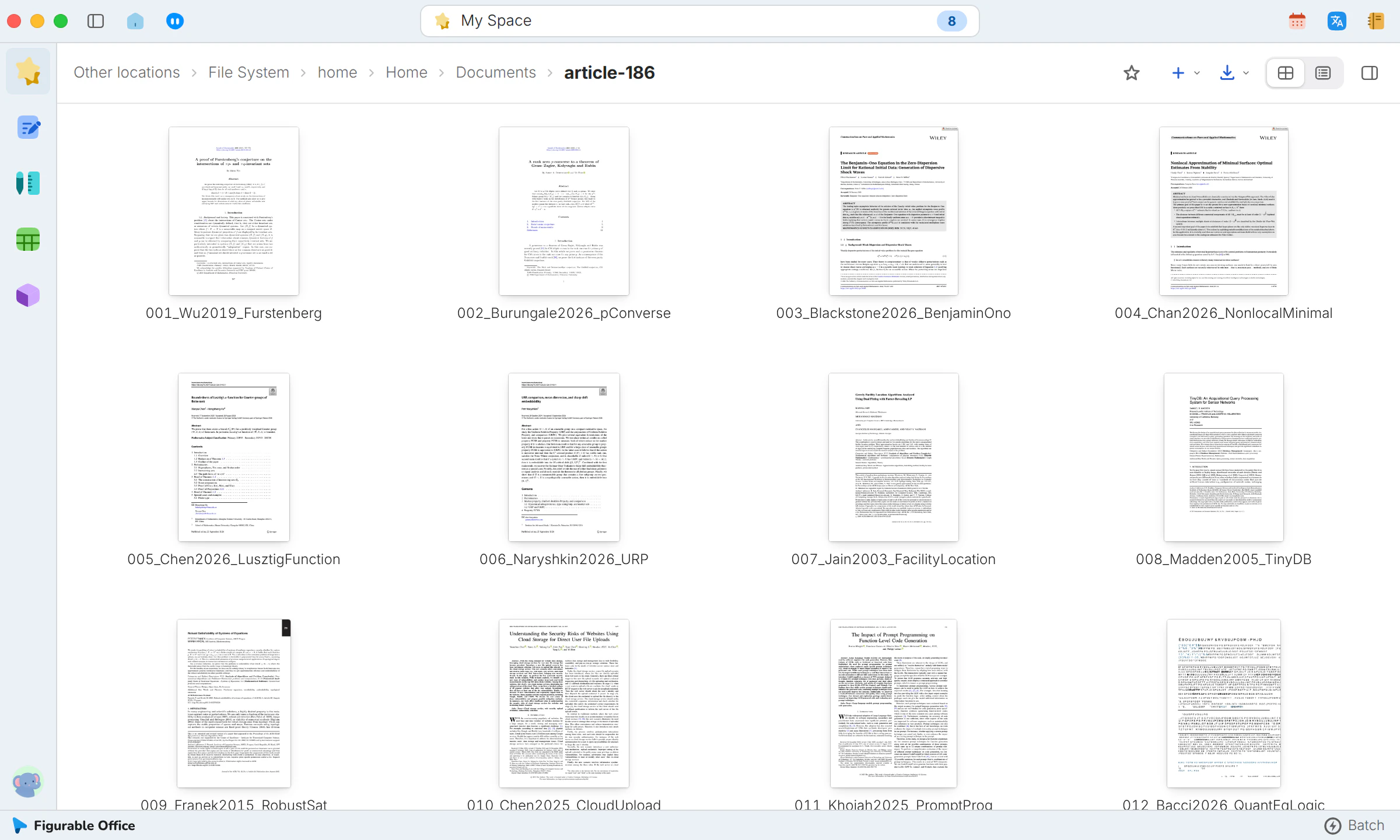
My Space, local papers as thumbnailsMy Space, local papers
Recognize each paper at a glance without opening it, then double-click to open it in its workspace.Recognize each paper at a glance.
- Local foldersDesktop, Documents and Downloads in one place
- ViewsList, grid and album
- SortingBy name, last opened or last modified
Every feature
In development
Items marked Pro are planned for the Pro plan.
Journal templatesPro
Typesetting in the template of a target journal or school, exported as a complete LaTeX project that compiles as is.Template typesetting, exported as compilable LaTeX.
Paper slidesPro
Slides generated from a PDF, for reading papers and presenting at group meetings.Slides generated from a PDF.
Citation graphPro
A map of how references cite each other, with automatic checks of the reference list.A citation map with reference checks.
AI assistantPro
Questions and answers about figures, documents and PDFs, with figures, tables and vector graphics created in conversation.Answers and figures created in conversation.
Command-line toolPro
Figurable Office processing from the terminal, sharing the page allowance with the app.Terminal processing on the same page allowance.
Team collaborationPro
Collaboration features for research groups and teams.
More platforms
Figurable Office runs on macOS and Windows today, with more platforms in development.More platforms in development.
Launch dates will be announced on this site. A plan you buy today includes only features that are already available.Launch dates will be announced here. Plans include only available features.
For macOS and Windows
Figurable Office makes document processing, typesetting and translation easy for researchers.Easy document processing, typesetting and translation for researchers.