scale(1.3637)'%3E%3Cg clip-path='url(%23cb)'%3E%3Crect x='0' y='0' width='1024' height='1024' fill='url(%23pg)'%3E%3C/rect%3E%3Cg clip-path='url(%23cf)'%3E%3Crect x='0' y='0' width='1024' height='1024' fill='url(%23fg)'%3E%3C/rect%3E%3C/g%3E%3C/g%3E%3C/g%3E%3C/svg%3E)
Reading view
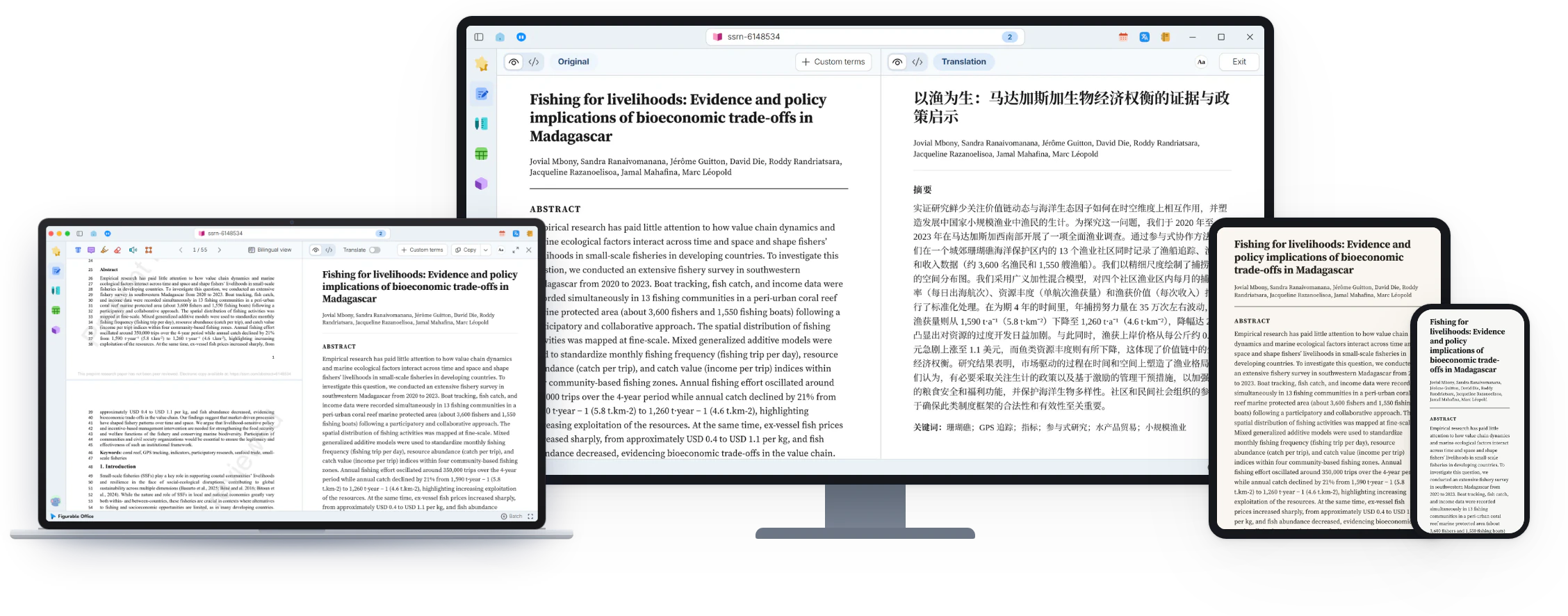
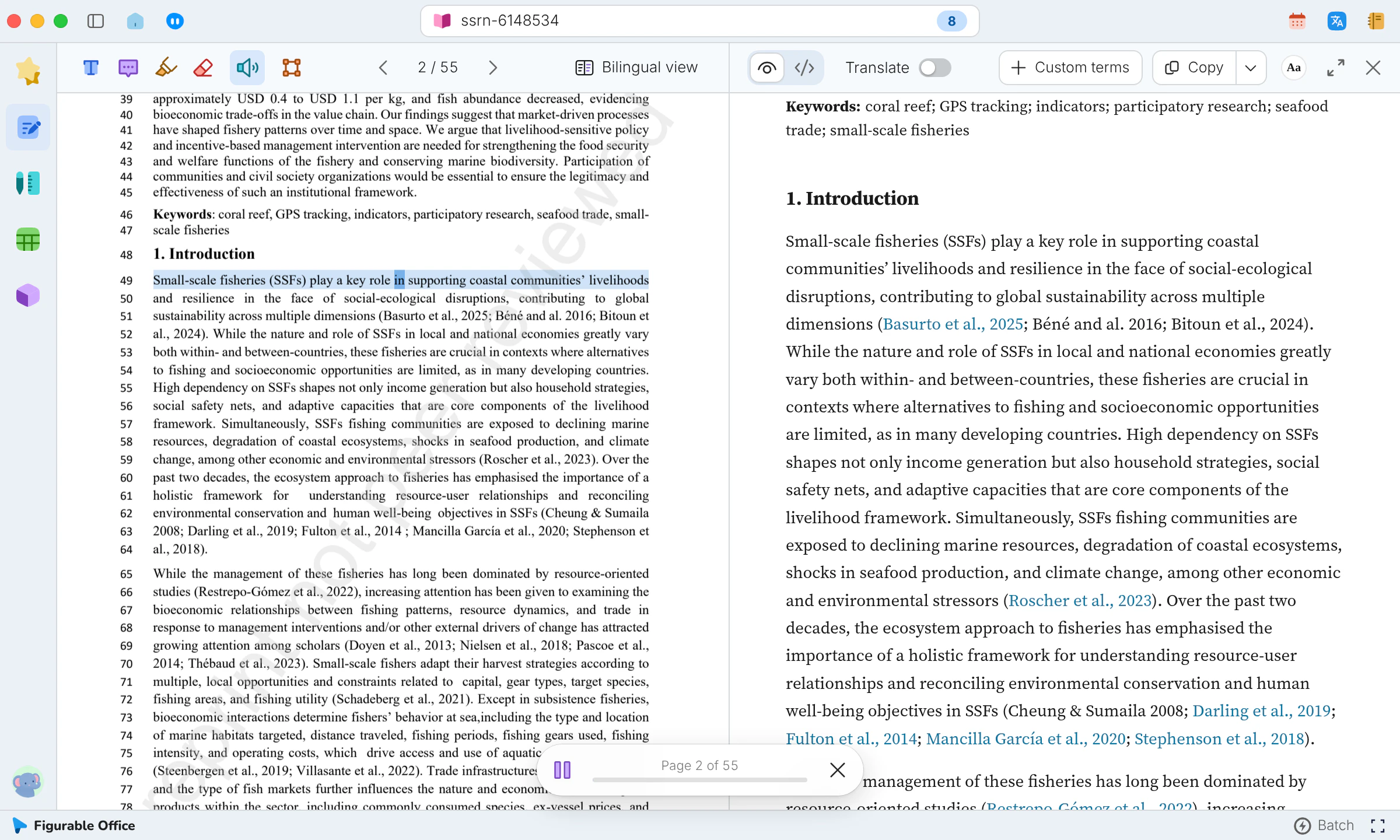
PDF papers reflowed into an interactive reading view, with line numbers and watermarks gone and the text in one column.PDF papers reflowed into an interactive reading view.

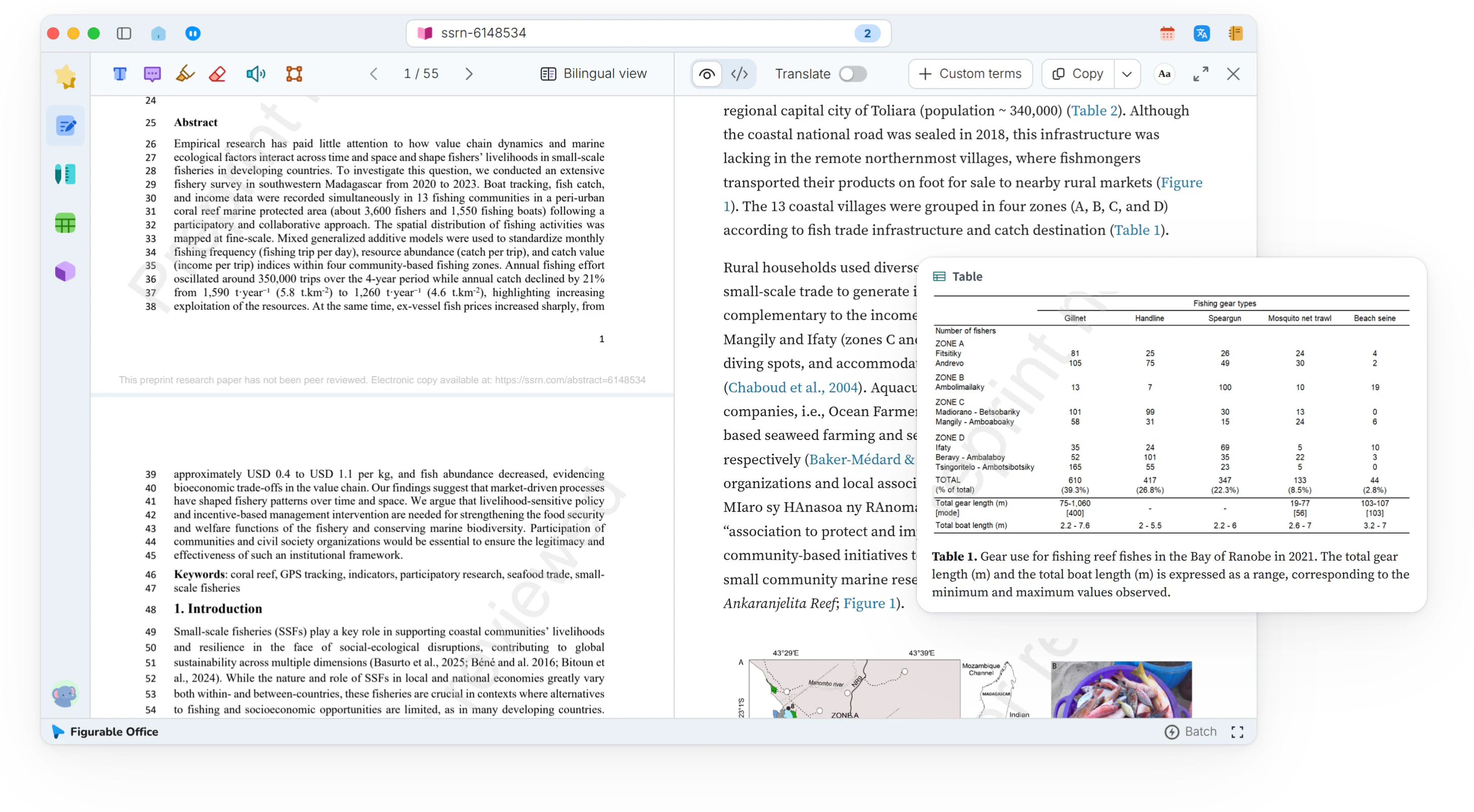
Reflow into one column
Journals, conferences and preprints lay their pages out differently. The text is reflowed in reading order, and figures stay with their captions.Journal, conference and preprint layouts, reflowed in reading order.
- One or two columnsParagraphs continue across columns and pages
- Line numbers and watermarksRunning heads and download notices stay out tooRunning heads stay out too
- Side by side with the PDFClick a paragraph and the original scrolls to it

Interactive reading
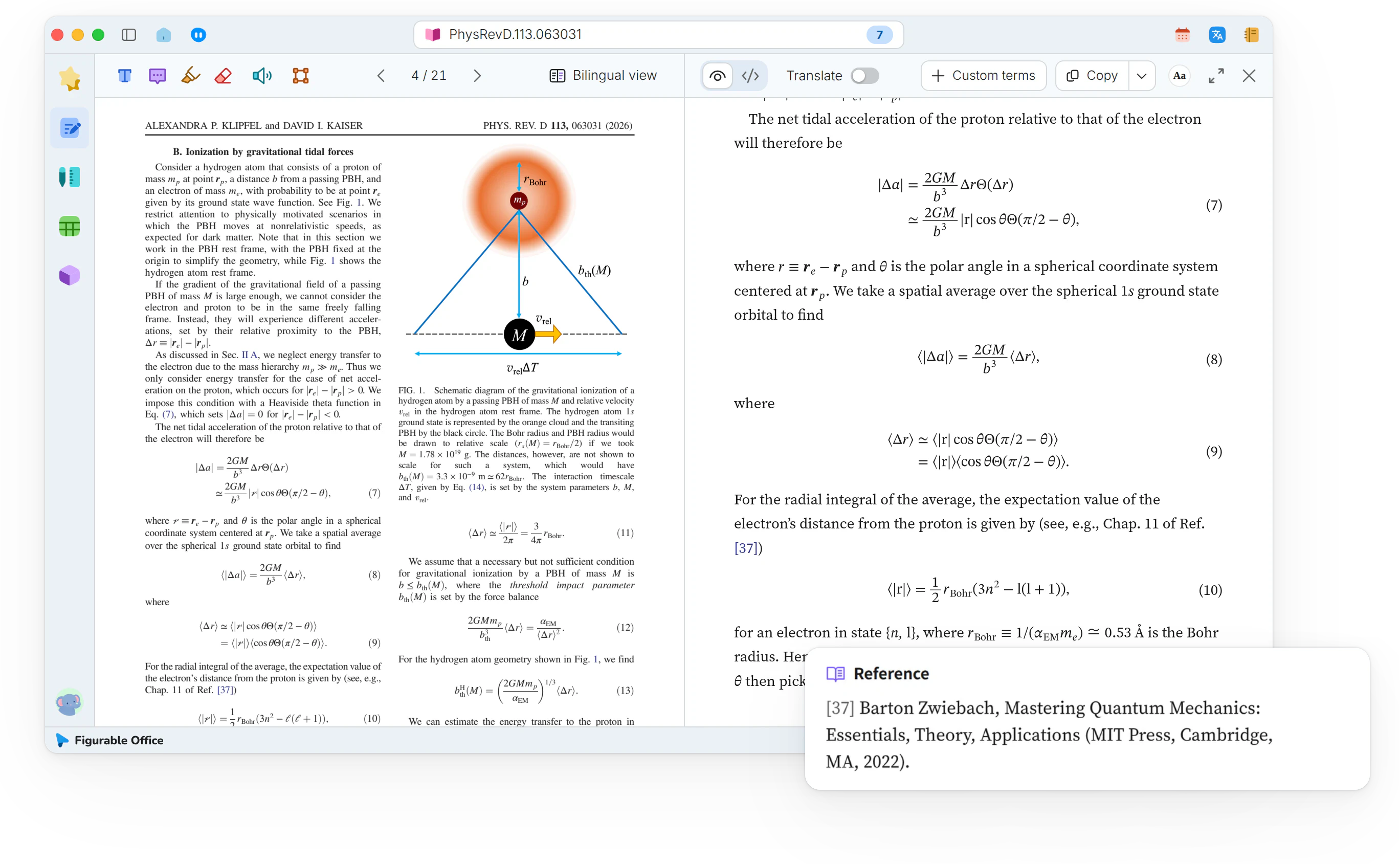
Point at a reference in the text and what it cites opens beside it. Click to jump there, then use Back to text to return.Point at a reference and what it cites opens beside it.
Hover a citation number for the full reference
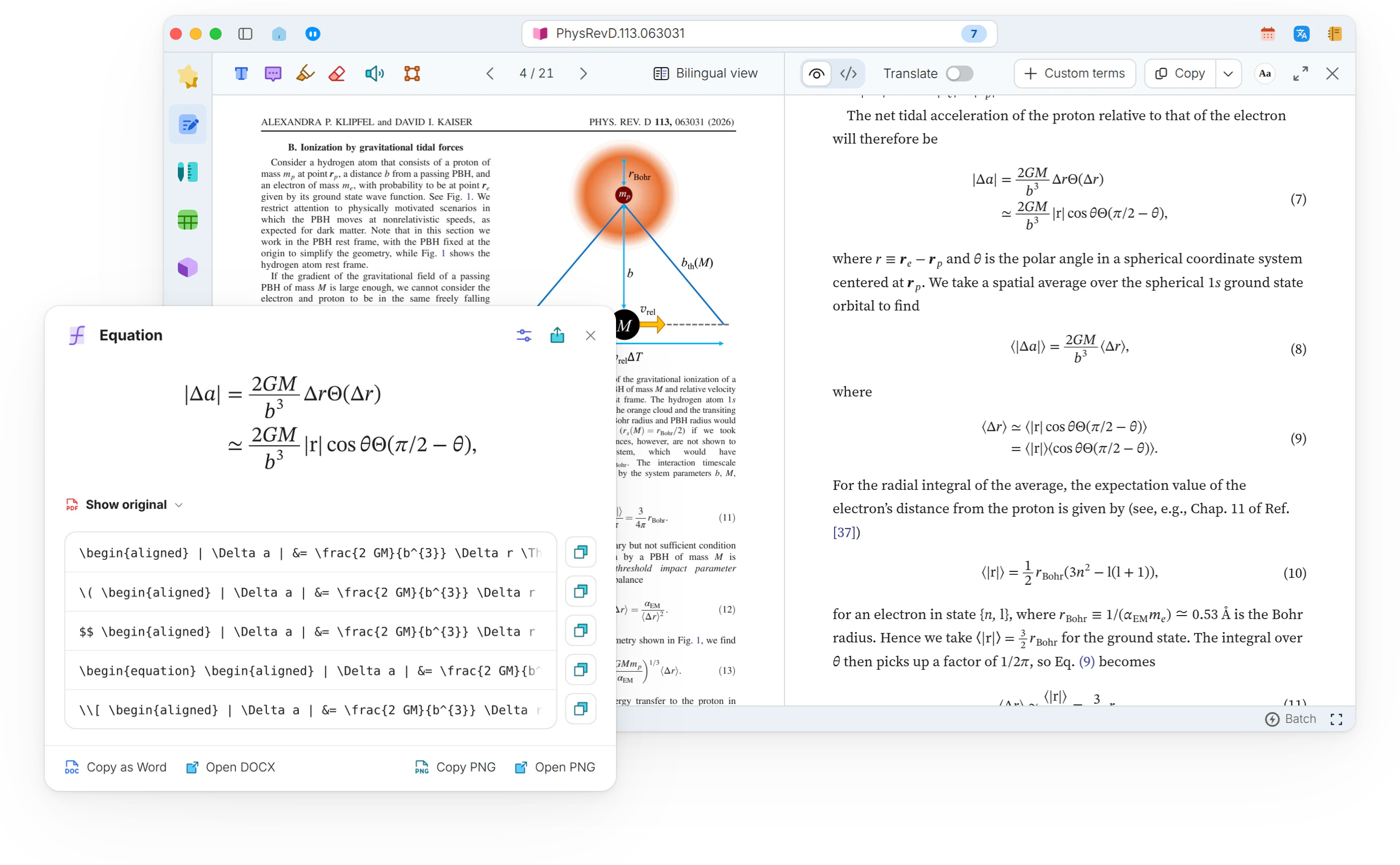
Click to enlarge, then copy as LaTeX or Word
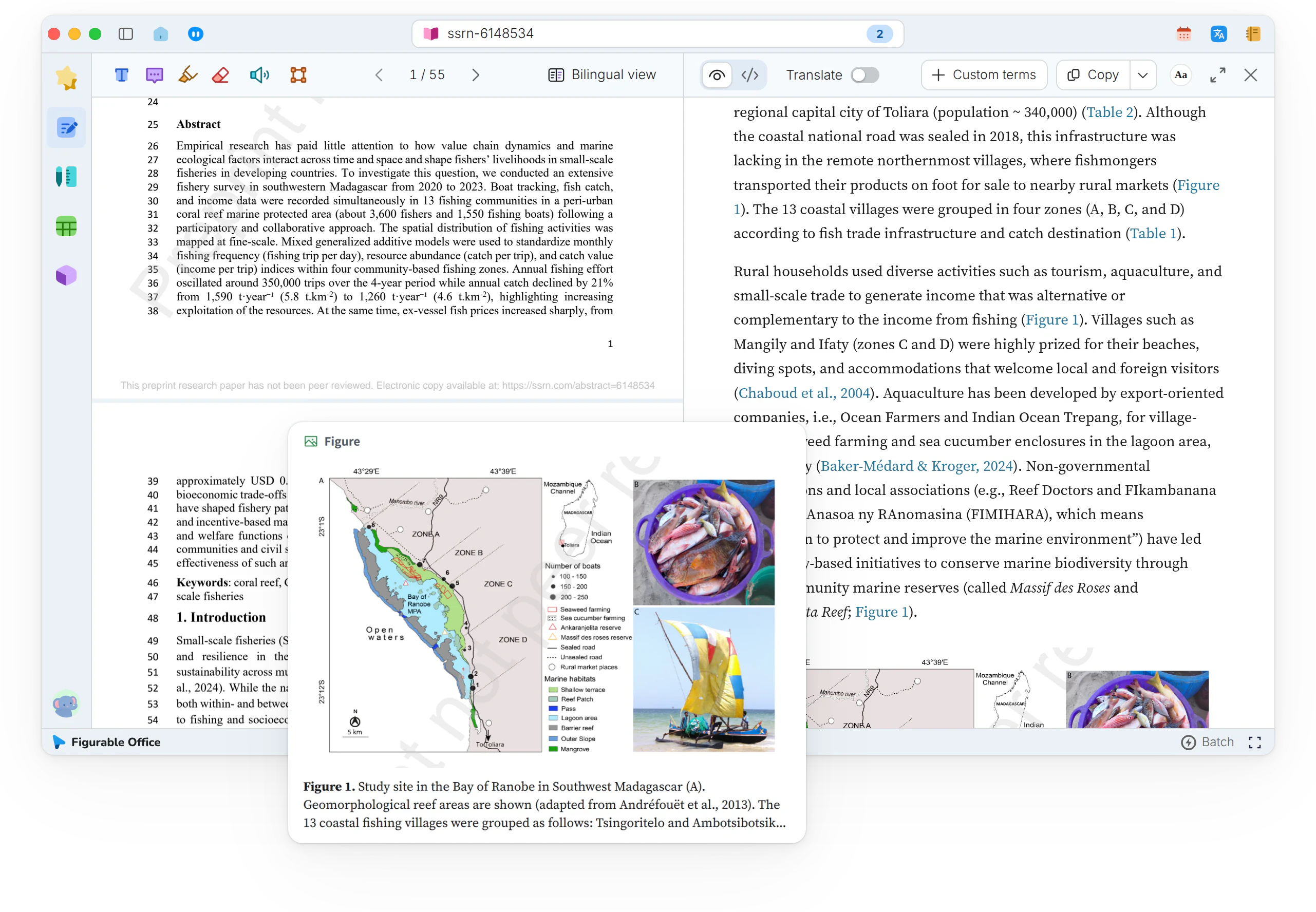
Hover Figure 1 for the figure and its caption
Hover Table 1 for the whole table
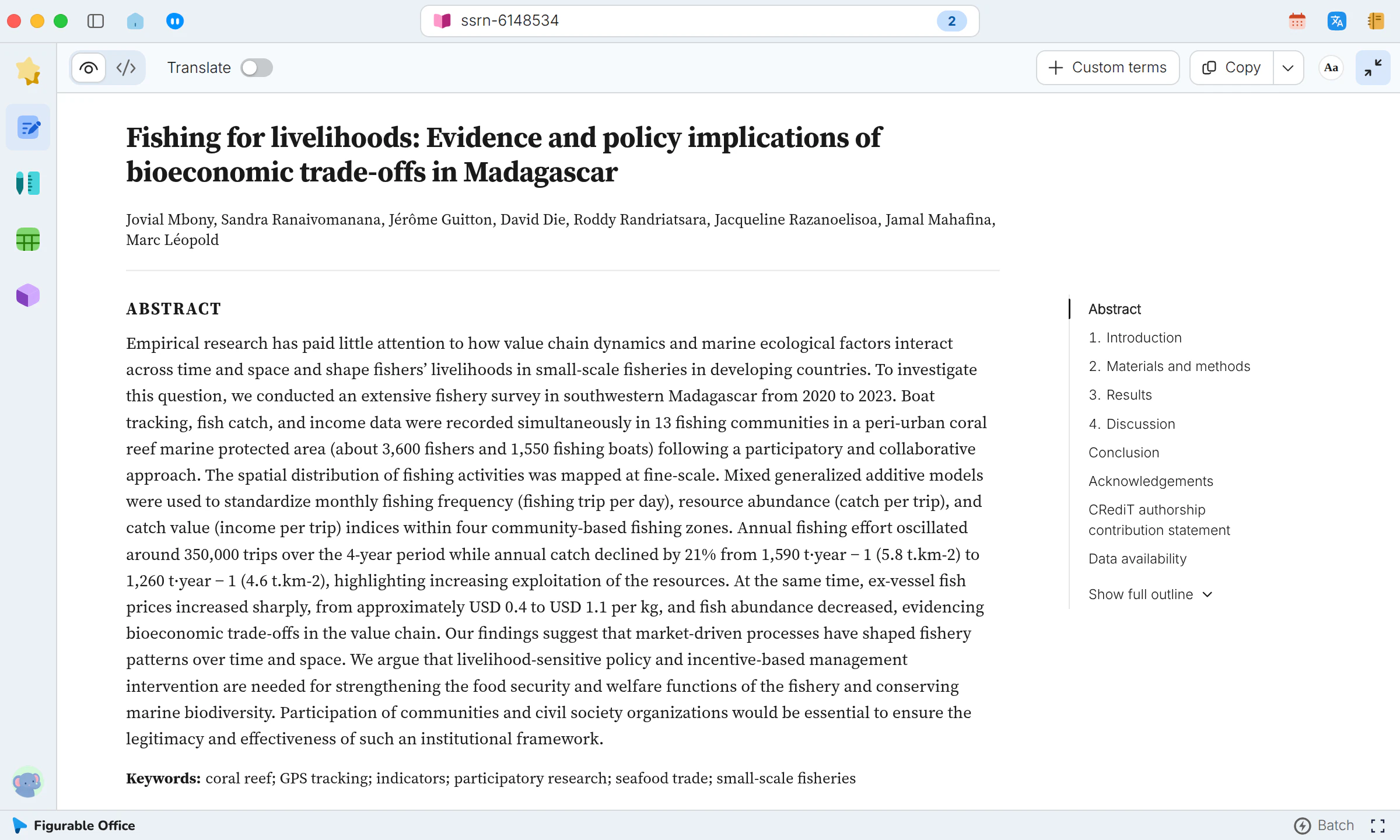
Single-pane reading
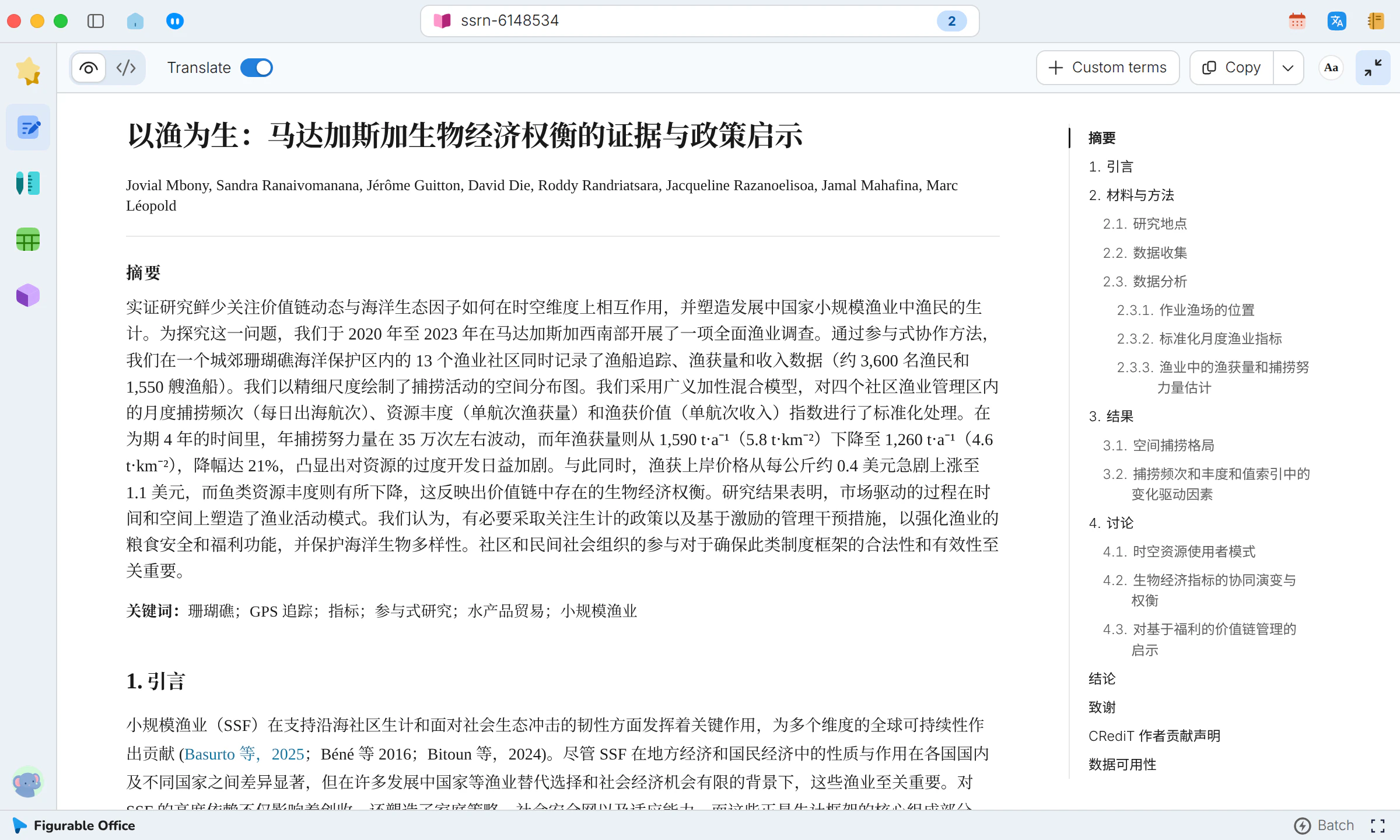
Hide the original and the text fills the window, with the headings as an outline on the right. Turn on translation and the same view changes language.Hide the original. The text fills the window, outline on the right.
- Paper outlineClick an entry to go to that section
- Parsed structureHeadings, figures and references in place
- Translation switchSymbols and numbering stay where they were
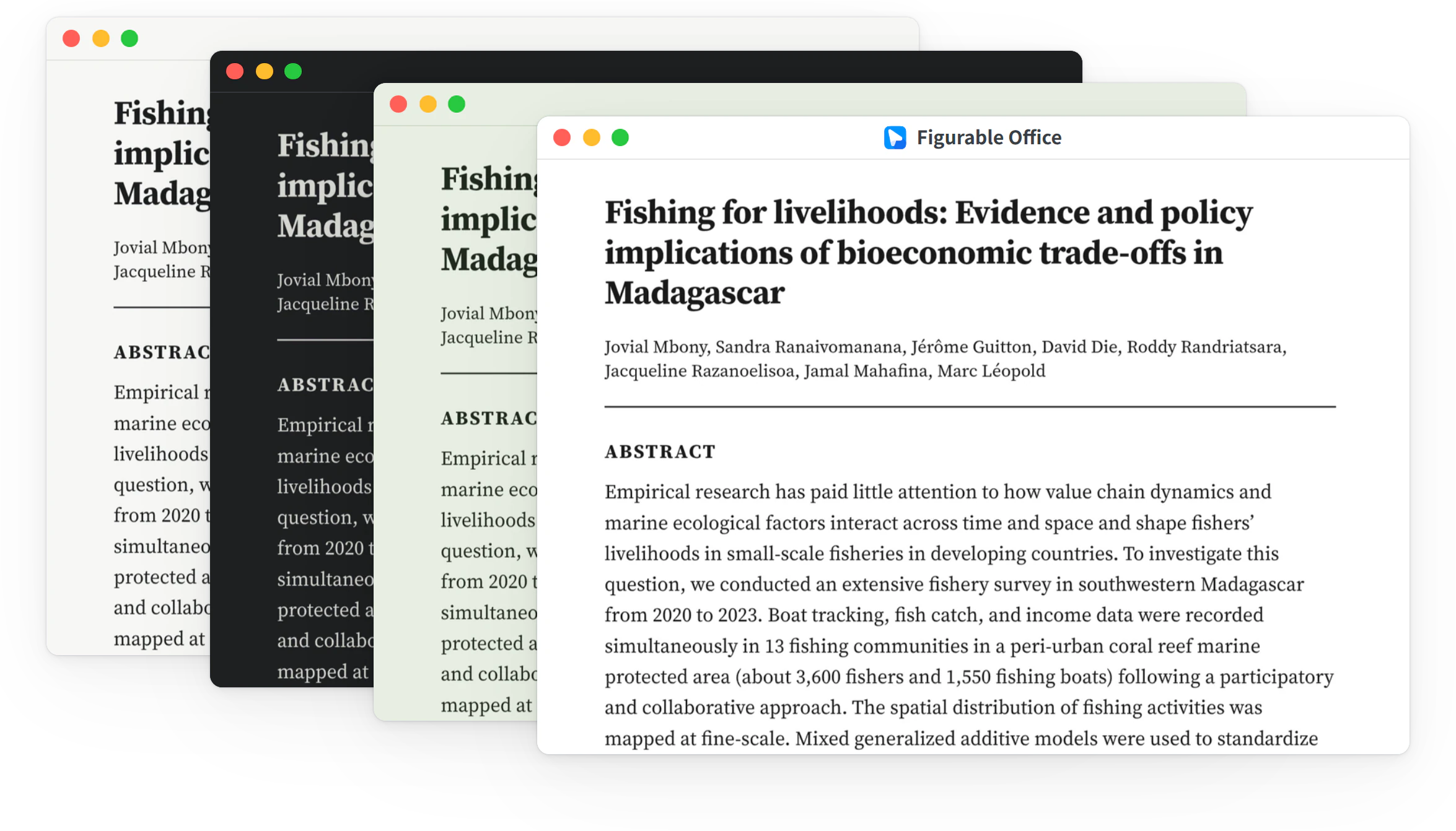
Paper colors for comfortable readingPaper colors
For long reading sessions, switch to a softer background and a larger text size.For long sessions, a softer background and larger text.
- Light and darkSoft white, Sage, Graphite and more
- Text sizesOne setting for every paper
- Kept for each paperA paper reopens as you left it
Read-aloud in sync
When your eyes need a rest, listen. The original or the translation is read sentence by sentence, with the current word highlighted on the page.Sentence-by-sentence read-aloud, with the current word highlighted.
- Sentence-by-sentence readingA steady pace to read along with
- Sentence skippingReplays without restarting
- Auto-followThe place is easy to find again
What it does
The reading view is reflowed from the original PDF, which stays unchanged. Reading, looking things up and taking notes all happen in one window.The reading view is reflowed from the PDF, which stays unchanged.
- Reflowed in seconds
- A PDF is readable seconds after it opens
- Every kind of reference
- Sections, algorithms, theorems and footnotes
- Figures in place
- Captions stay with their figures
- Figure zoom
- Click a figure or a table for a closer look
- Equation copy
- As LaTeX or as a Word equation
- Selection toolbar
- Highlight, comment, copy and add to notes
- Search within the paper
- Every match marked in the text
- Original intact
- The source layout is always one switch away
- Export formats
- Word, PDF and more